

Extract the skinloader.js file that is located in the CA Gen installation directory:
<CA Gen Installation Directory>\Gen\webview\ui\WebViewUI.zip
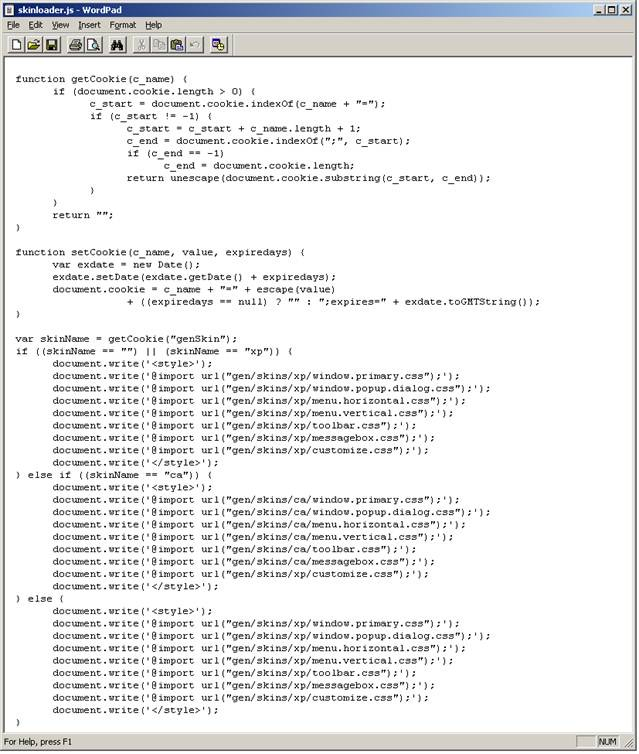
Add the CSS files that have been created to customize the behavior of the application. Add a line of code that will load your customized CSS file in the portion of the script that begins with “if ((skinName == “”) || (skinName == “xp)) {“. Add this line of code before the document.write(‘<style>’); line. The line of code necessary to load your customized CSS should be in the following format:
document.write(‘@import url(“gen/skins/xp/customize.css”);’);.
The values of the url parameter provide the location within the WAR file of your customized CSS file. Perform these steps for each customized CSS file needed.
|
Copyright © 2013 CA.
All rights reserved.
|
|