

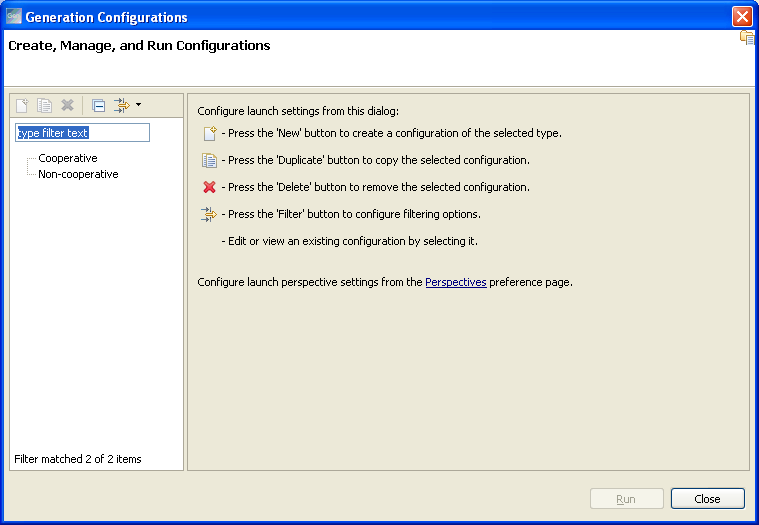
You can create, edit, delete, and run configurations using the Generation Configuration option in CA Gen Studio. Open a model in CA Gen Studio and click Construction, Generation Configurations in the main menu to open the Generation Configurations dialog.
Existing configurations do not work with the current release and you need to recreate the configurations. If there are any configurations available in a model, then delete these configurations before installing the latest version.
You can perform the following tasks in the Generation Configurations dialog:
If a generation configuration has protected objects selected in it, the Name field is disabled and you cannot rename the generation configuration.
Note: The duplicate functionality is not currently available.
|
Copyright © 2013 CA.
All rights reserved.
|
|