

By assigning a custom video property to all the windows or controls in a Java Web Generation application, you can ensure that their appearance is consistent throughout an application. The predefined set of custom video properties let you specify a list of appearance settings, from which you can specify the required appearance setting for each window or control type at design time or at runtime.
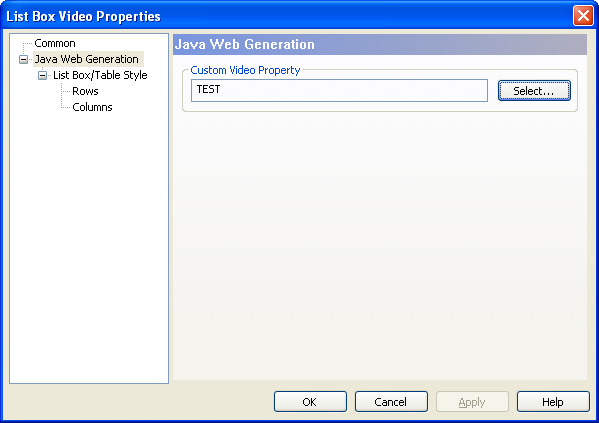
With the Java Web Generation node in the Navigation Diagram Video Properties dialog, you can select a custom video property to replace the default video property for a specific window or control in a Java Web Generation application.
The following image illustrates the Java Web Generation node in the Navigation Diagram Video Properties:
You can also dynamically assign a custom video property or the default video property to a specific window or control with the CssClass and PromptCssClass properties by using Dot Notation statements.
Note: For more information about specifying custom video properties for the standard windows and controls in Java Web Generation applications, see the Toolset Help.
|
Copyright © 2013 CA.
All rights reserved.
|
|