

Before we can generate the DDL for the new database table, we have to convert the logical representation of the Score Card entity type to a physical representation of a database table.
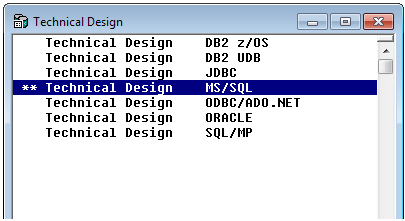
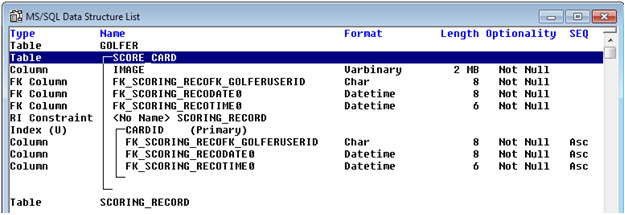
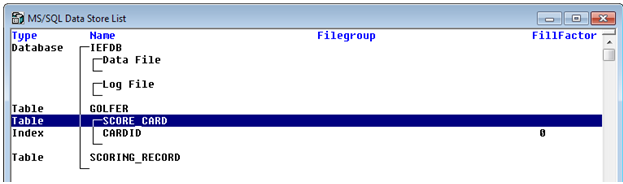
Normally this might be accomplished by doing a complete transformation of the logical data model to a physical data model as represented by the Data Structure List and the Data Store List diagrams. Collectively these two diagrams are often referred to as the Technical Design. But if your DBA had made many implementation specific changes to the Technical Design, like reordering columns of a table or changing the order of indexes, a complete transformation would erase those changes as it would delete the existing Technical Design first and then re-apply the basic rules of transformation to the data model objects to create the new Technical Design. So rather than perform a complete transformation, we will perform an incremental transformation instead.
Follow these steps:
On the Consistency Check dialog click the Continue push button. The dialog will close.
Note: If the Continue push button is disabled, this implies that the Consistency Check has failed. Click the Display push button to see the report.
|
Copyright © 2013 CA.
All rights reserved.
|
|