

Follow these steps:
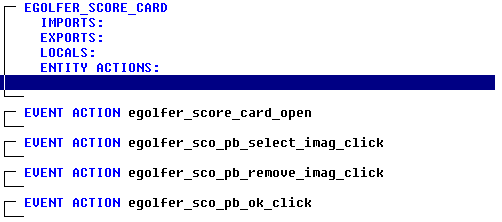
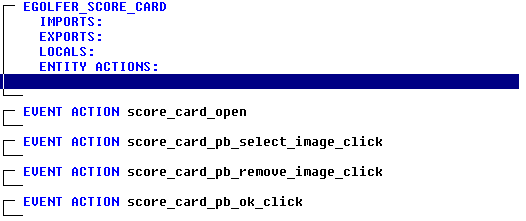
The procedure step action diagram is empty and it is followed by four event actions. The first is the Open event, and it will contain the actions we want to take when the window is opened. The other three are the Click events and they will contain the actions we want to take when someone clicks on the “select image”, “remove image”, and “ok” push buttons respectively. There is no event associated with the “cancel” push button as it performs the Special Action Cancel – Close without Execution.
|
Copyright © 2013 CA.
All rights reserved.
|
|