Double-click the eGolfer Score Card window in the Window Navigation Diagram to open the window designer.
Click the eGolfer Score Card title bar to gain focus on the window. From the Menu Bar click Edit, Control Design.
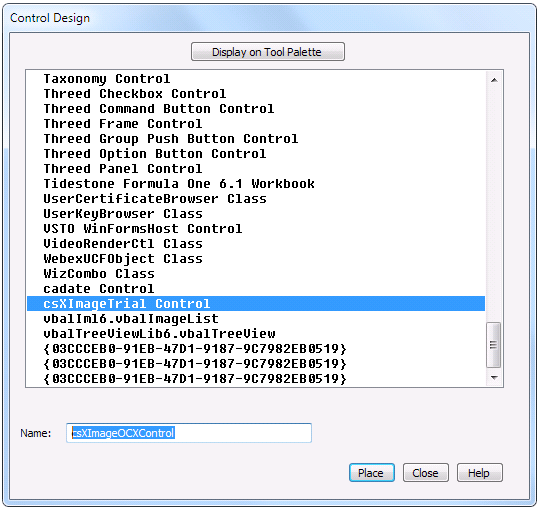
In the Control Design dialog scroll down and select the csXImageTrial Control and change the default name for the control to csXImageOCXControl as follows:
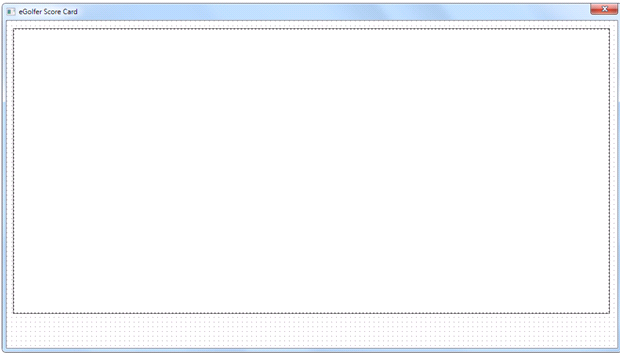
Select the Place push button and place it on the window. Resize the window borders and the control borders so that the window looks somewhat like the following example. Leave room at the bottom for adding the four push buttons shown in the example earlier.