

You can rearrange a group of tabbed views in another location in the main window.
Follow these steps:
The tabbed group becomes dockable and the cursor changes to a stacked cursor as shown in the following illustration.
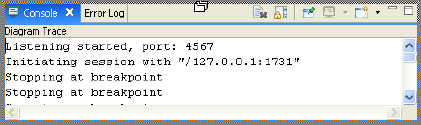
The group of tabbed views displays in the new location.
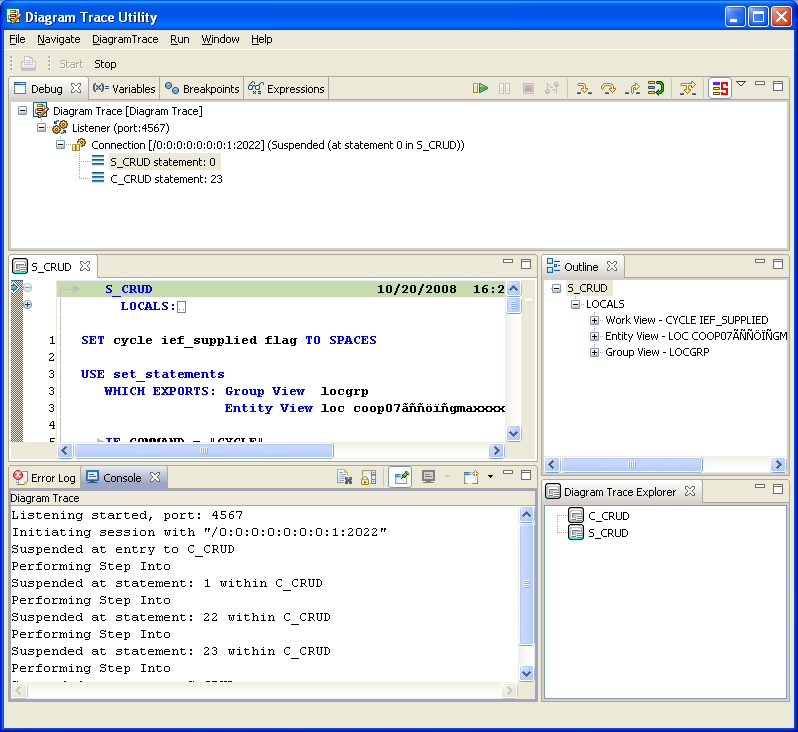
Example: The following illustration shows the Console and Error Log group of tabbed views rearranged below the PAD Code View editor.
|
Copyright © 2013 CA.
All rights reserved.
|
|