

The Export Preferences feature provides a wizard that lets you export preference settings defined in the current Diagram Trace Utility debug session to a file on the local system. Use this feature to save customized preference settings for use in future debug sessions. You can use the Import Preferences feature to import the preferences from the saved export file.
Follow these steps:
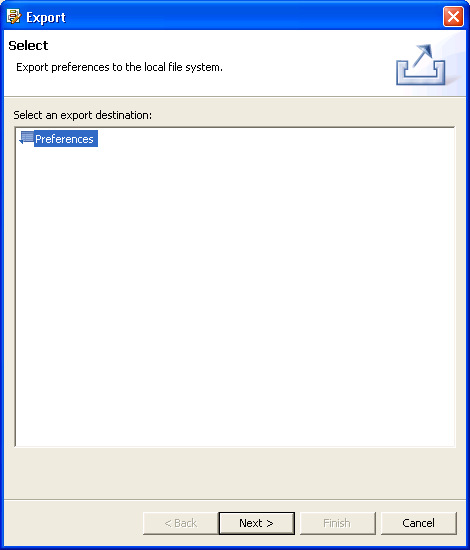
The Select an Export Destination dialog appears.
The Export Preferences selection dialog appears.
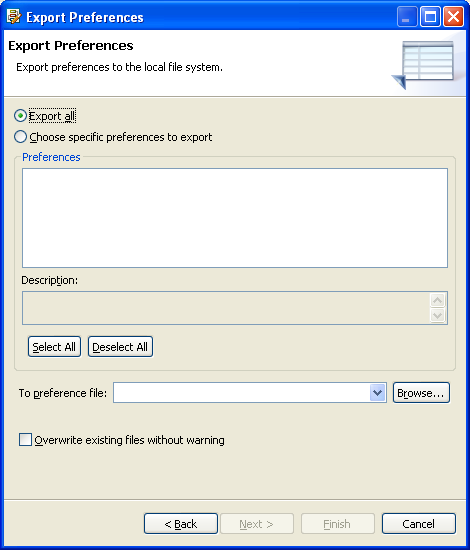
Note: The Diagram Trace Utility does not support the Choose specific preferences to export option.
Note: The file name of the exported file must have an .epf suffix.
The preferences from the current Diagram Trace Utility debug session are saved in the file you specified.
|
Copyright © 2013 CA.
All rights reserved.
|
|