

Navigating the Diagram Trace Utility › Views › The Expressions View › Add a Watch Expression
Add a Watch Expression
You can add one or more Watch expressions to the Expressions view using the view's pop-up menu.
Follow these steps:
- Right-click in the Expressions view and select Add Watch Expression from the pop-up menu.
The Add Watch Expression dialog appears.
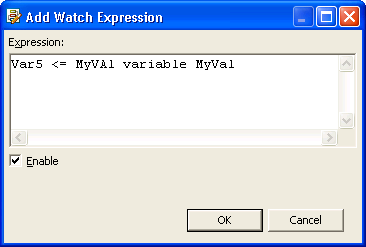
- Clear the Enable check box if you want the Watch expression to be disabled, or select the check box to enable the Watch expression and click OK.
The dialog closes and the Watch expression is added to the Expressions view.
Copyright © 2013 CA.
All rights reserved.
|
|