

As an administrator, you are responsible for configuring metric connectors and building business indicators for your users.
The following illustration describes how an administrator publishes IT metrics to mobile devices using CA Executive Insight.
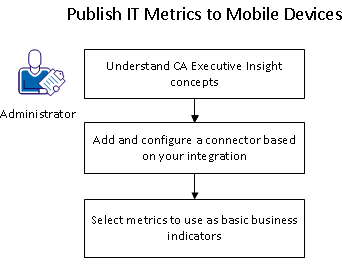
To publish IT metrics from CA APM, CA SOI, and CSV files to mobile devices, follow these steps:
After you add the specific connector and select the metrics to use for basic business indicators, the connector starts polling for data.
|
Copyright © 2013 CA.
All rights reserved.
|
|