

|
|
|
Typically, these are Ethernet frames with over 1518 bytes of payload. These packets are not normally allowed onto the Internet and cannot be analyzed by the NBA, but are sometimes seen on corporate networks.
To check whether the NBA is seeing very large packets
On Bivio 2000 appliances, check the ‘Rx, 1519-Max byte packets’ count.
On Bivio 7000 appliances, check the ‘RxOversizeFrms’ count.
The screenshot below shows an extract from status.txt on a Bivio 2000 appliance. The jumbo frame count shows that the NBA is not seeing very large packets:
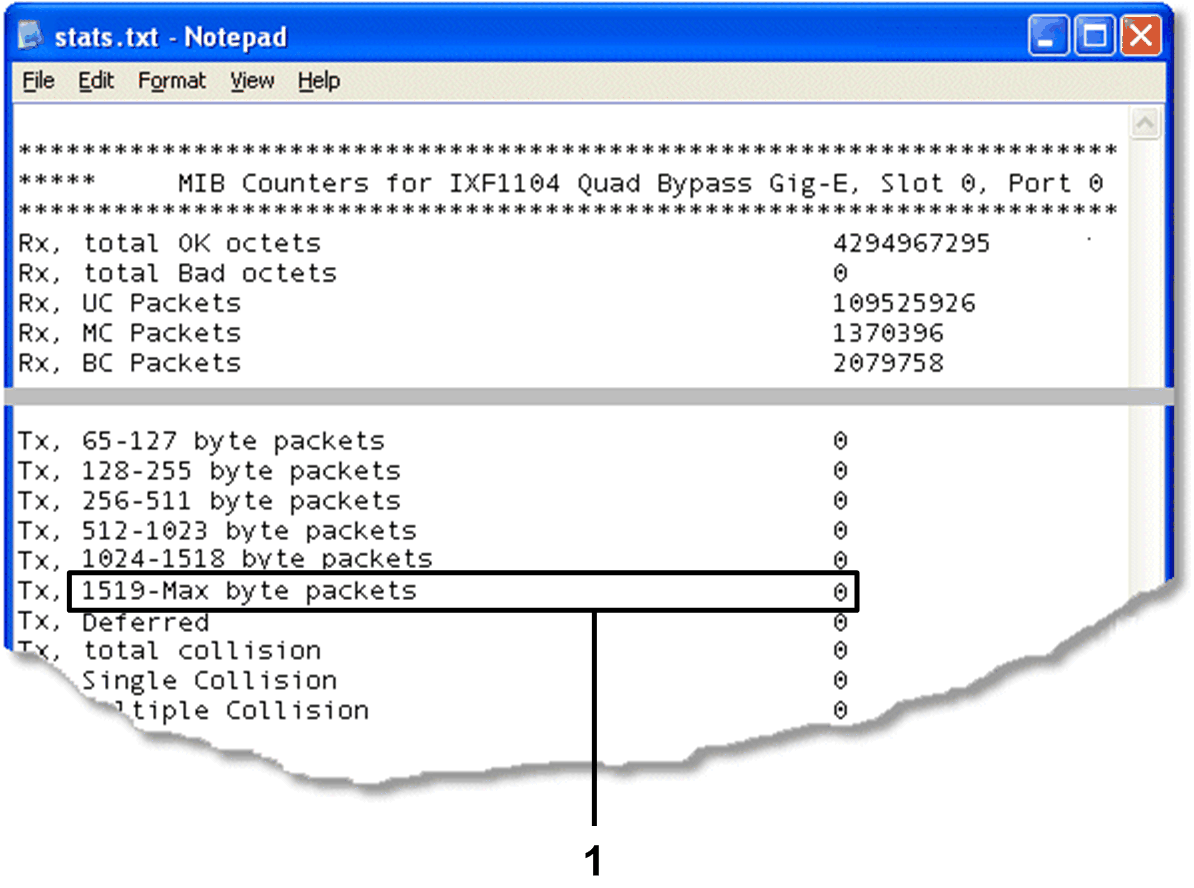
Example status.txt on Bivio 2000 appliance
1 Rx, 1519-Max byte packets.
| Copyright © 2011 CA. All rights reserved. | Email CA Technologies about this topic |