

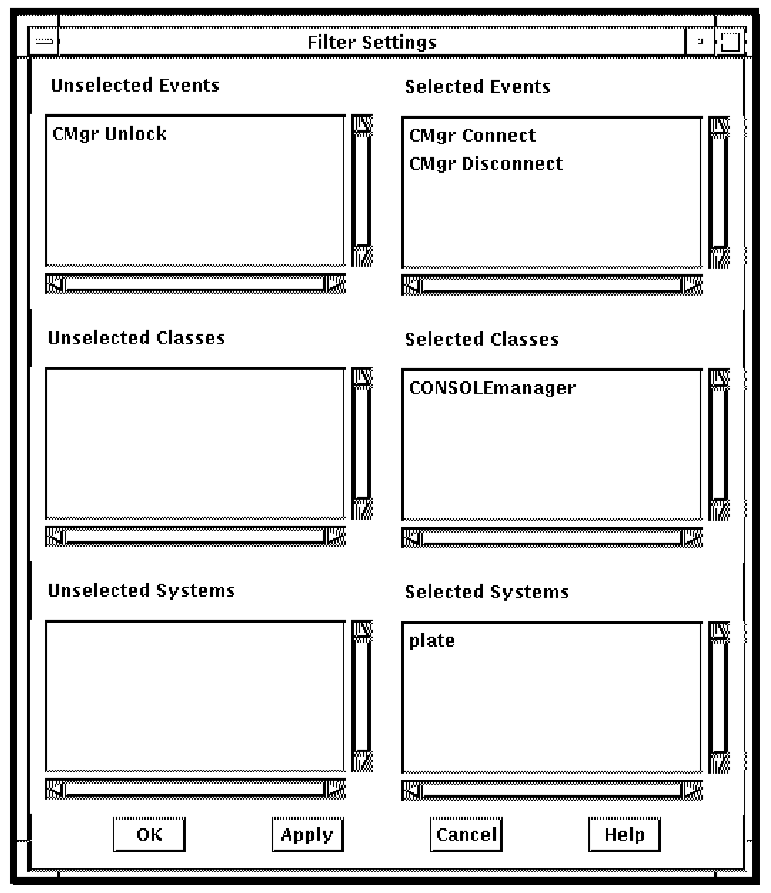
Eventlist provides a filter mechanism separate from the filter mechanism used by ENS. Eventlist does not use the Console Manager database, so Eventlist must already have received events from ENS. Using the Eventlist filter, you can stop events from being displayed in the Eventlist window, by selecting one or more of Events, Classes and Systems.
Note: If run as an action routine, the Eventlist filter option is not available.
To set up the Eventlist filter, do the following:
The Events, Classes and Systems for the Eventlist are listed in the appropriate Selected menu items on the right.
|
Copyright © 2010 CA.
All rights reserved.
|
|