

To archive log files from the C3 interface:
Some examples are shown in the sections, Archiving the Oldest Data through Archiving Data Up to a Specified Time. If you want to delete the archived data as part of the archive process, then click Do not save archive data.
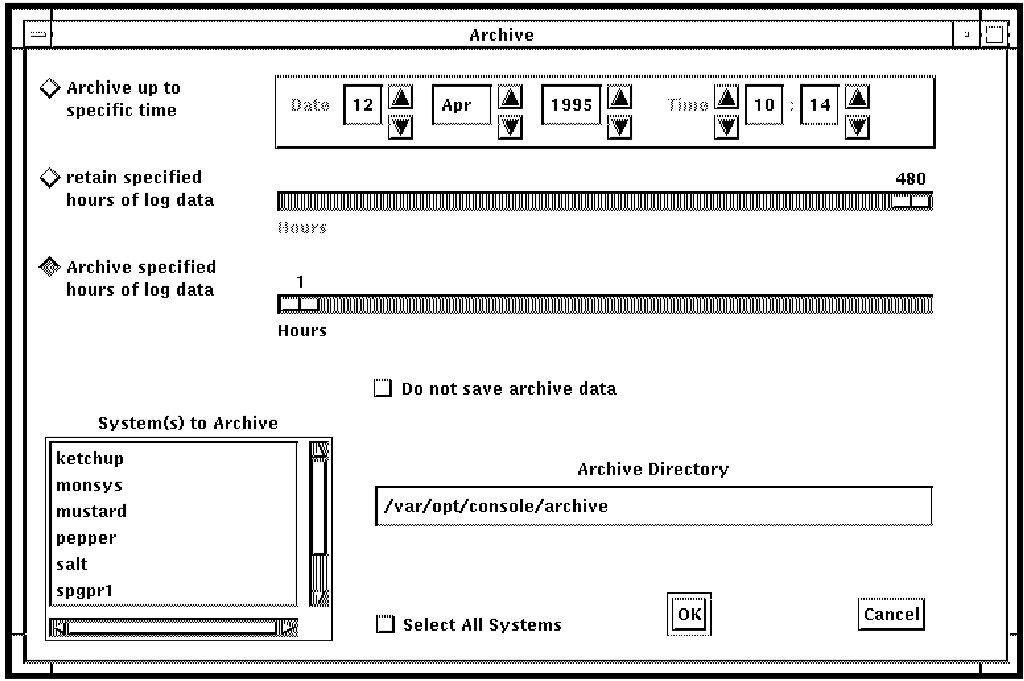
You cannot start an archive if another archive operation is already in progress. If you attempt to archive when another archive operation is already in progress, the following message is displayed:
Archive already in progress
|
Copyright © 2010 CA.
All rights reserved.
|
|