

This scenario explains how to enable SSO to a sensitive software application owned by a partner, such as Salesforce.com. The application requires strong authentication due to confidential nature of the information. Also, you want to provision this user for the application after single sign-on is successful.
Set up an IdP-to-SP partnership between CA CloudMinder (IdP) and the business partner (SP) to enable this deployment.
In these instructions, the following information regarding SSO applies:
The following figure shows the configuration tasks required for IdP-to-SP partnership:
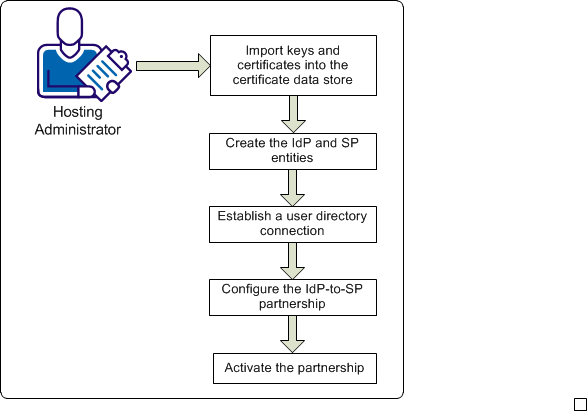
The following procedures explain how to set up the IdP-to-SP partnership:
|
Copyright © 2014 CA.
All rights reserved.
|
|