

Typically, a system or tenant administrator creates additional administrators. The following instructions use a tenant administrator as the example user.
As a tenant administrator, you can give users roles. Each role allows a user certain privileges, such as the ability to use a task in the User Console or an account in an endpoint.
You can be solely responsible for granting all roles to users in your system. You can also share the work of granting user roles by designating additional administrators. This approach is named delegated administration.
The following diagram shows the information to understand, and the steps to perform, in creating additional administrators.
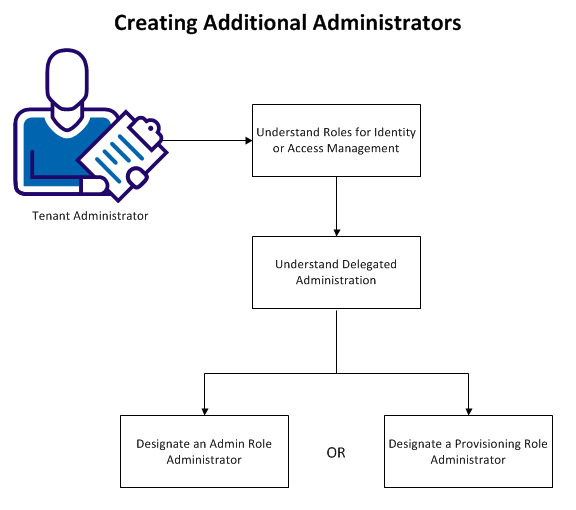
The following topics explain how to create additional administrators:
OR
|
Copyright © 2013 CA.
All rights reserved.
|
|