

The Collect Options tab contains options to independently enable or disable the collection of hardware or software information.
To configure the Collect Options
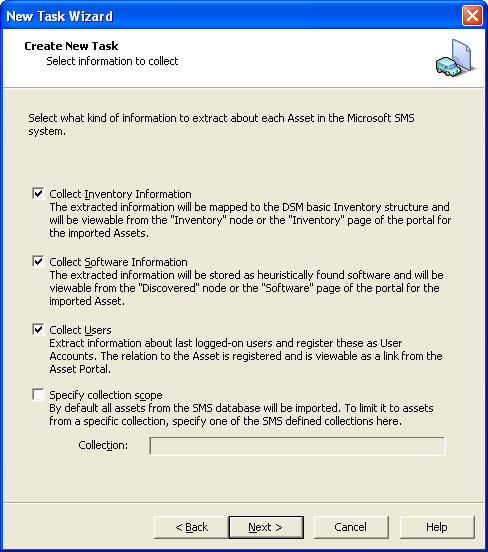
By default this information is collected from all computers in the SCCM installation with an SCCM client installed.
It is possible to limit the scope of the extraction to one specified collection of computers from the SCCM site. To do this, select the Specify collection scope check box and enter the name of the SCCM collection to extract in the Collection field.
|
Copyright © 2014 CA Technologies.
All rights reserved.
|
|