

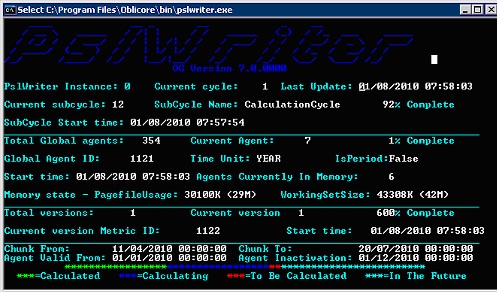
When you run the engine in console mode, a dynamic screen is displayed. This screen illustrates all the details of the current calculation status of the engine. To use this console, stop the service and run it again in console mode. This action forces an intervention in the engine operation, which sometimes leads to a decrease in performance.
This section explains how to run the engine in console mode
Follow these steps:
PslWriter -d [-x<instance ID>]
Note: The instance ID is optional. If it is not supplied, instance 0 is run. An example of the command is:
PslWriter -d -x12.
|
Copyright © 2012 CA.
All rights reserved.
|
|