

The Agent Calculation Tracking screen is an interactive page. This screen accepts a global rule ID, a time unit, and it states when the agent described is calculated.
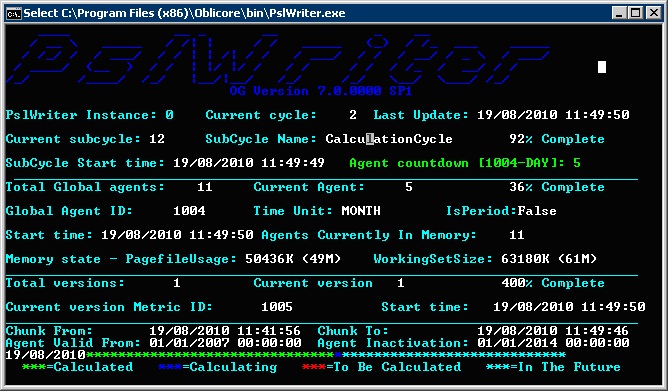
After you select an agent, the console mode and the calculation status request page display an agent countdown. This countdown states how much time elapses before the requested agent is calculated. In this example, a request was made for the DAY granularity of rule ID 1004.
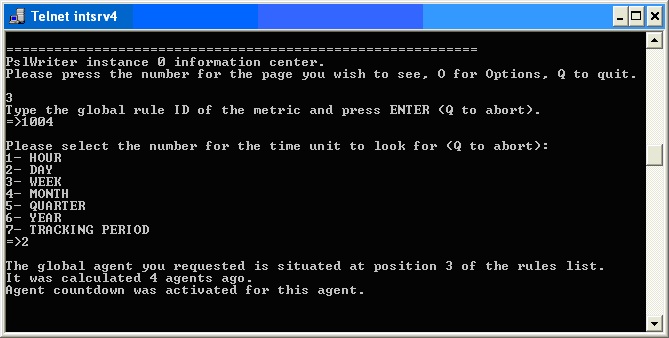
This screen is an example of when the countdown option is turned on in the Activity view (option 1).
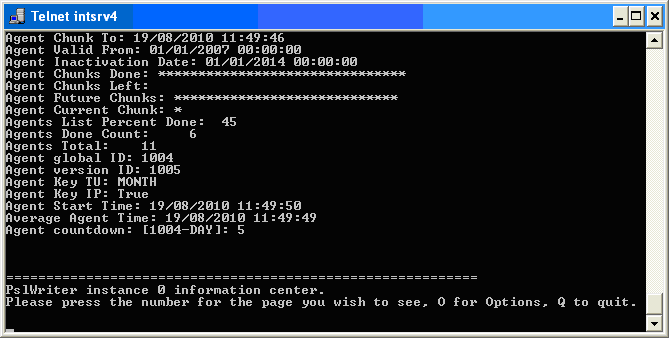
This screen is an example of when the countdown option is turned on in the console.
|
Copyright © 2012 CA.
All rights reserved.
|
|