

You can display a list of all weights and access options for editing and deleting weights from the Manage Weights dialog.
Follow these steps:
The Manage Weights dialog opens.
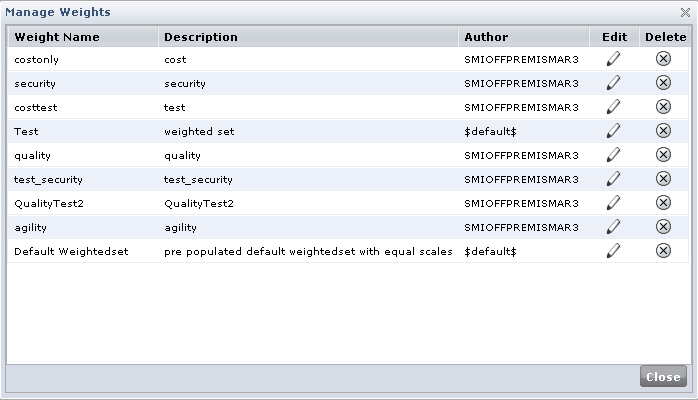
Lists the names for weights that have been created on the system.
Displays the weight description assigned by the person who created the weight.
Displays the user name for the person who created the weight.
Enables you to open the Weight Editor to modify the weighting settings.
Enables you to delete the weight from your system.
The display adjusts to show the selections for that setting. You can then save the changes using a new name.
|
Copyright © 2012 CA.
All rights reserved.
|
|