

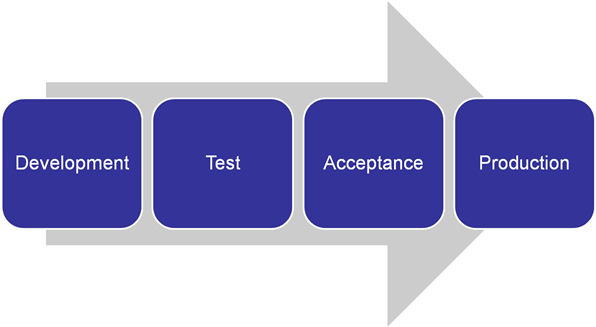
Good quality implementation within Insight normally requires working in several environments. A typical deployment includes at least two environments (such as development and production), yet it is common to have three or four environments in place (such as development, test, acceptance, production). In such deployments, development content is made in the first environment and then transferred to the next one for massive testing. In the final step, the content is transferred to the production environment where no manual change is allowed.
This process can be illustrated in the following diagram:
The CA Business Service Insight content transfer functionality supports this type of process while supporting the automatic transfer of CA Business Service Insight business entities from one environment into another. Such a transfer always involves two environments, source and local. The user logins into the local environment and connects into a source environment to import entities from. Using the content transfer interface the user can:
|
Copyright © 2013 CA.
All rights reserved.
|
|