

You can define a navigation path between reports by defining relations to the reports. Using the Related Reports button, you can generate reports that are related to each other directly from a generated report without returning to the CA Business Service Insight GUI.
To define report relationships
A list of reports displays.
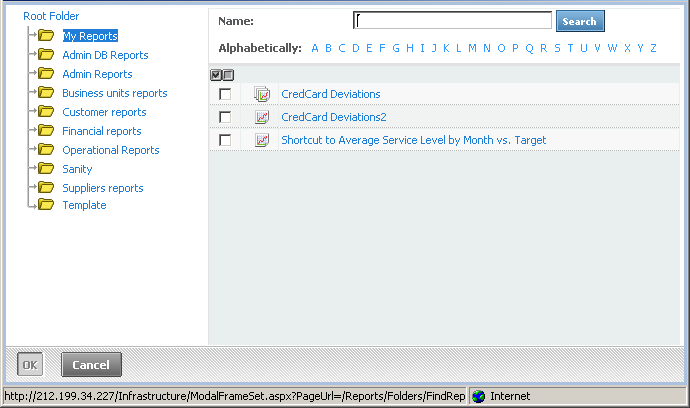
The selected reports display in the Related reports area.
Note: Any report can be defined as a related report excluding booklet reports.
Note: The list of available reports is dependant on user permissions.
|
Copyright © 2013 CA.
All rights reserved.
|
|