

As a Service Delivery Manager, you configure the enhanced storage policy and enable the Service Provider to use these policies in creating new datastores. The Service Administrator (Tenant Administrator) can later request to provision the new datastore and deprovision the unused datastore in their environment.
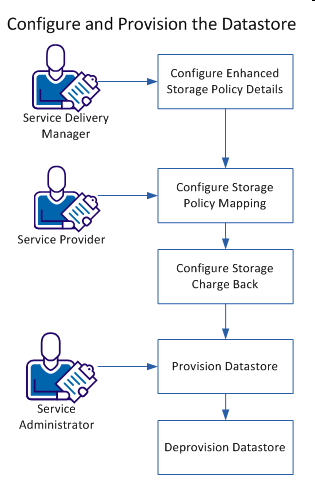
Follow these steps:
|
Copyright © 2014 CA.
All rights reserved.
|
|