

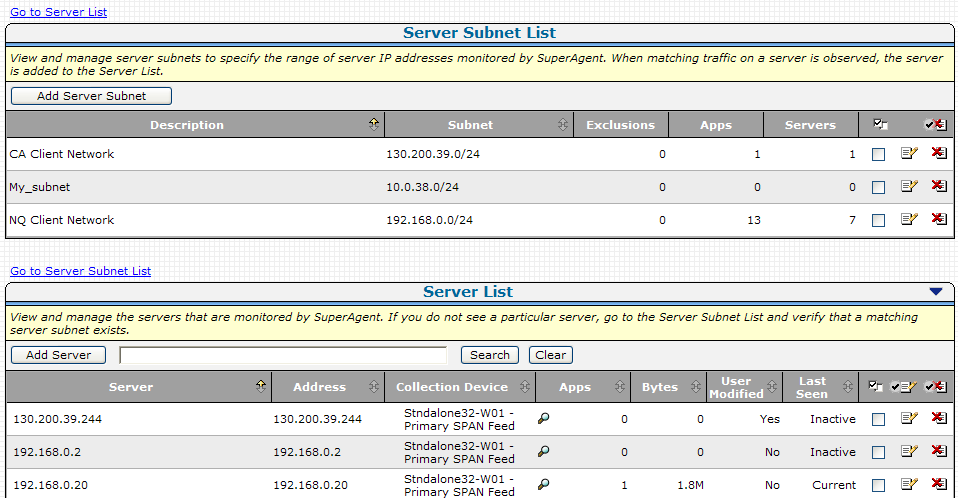
Use the Server List to view and manage the servers that are monitored by the management console. The management console automatically monitors all application traffic on each server in the Server List.
Typically, the Server List is populated with servers that correspond to a specified range of IP addresses in the Server Subnet list. If necessary, you can add a particular server that you want the management console to monitor -- the management console immediately adds the server to the Server List.
When registered as a data source with the CA PC or the CA NPC, the CA PC or CA NPC automatically groups the servers for reporting.
|
Copyright © 2014 CA Technologies.
All rights reserved.
|
|