

Performance thresholds enable the management console to rate performance and to open incidents. If necessary, you can tighten or loosen the performance thresholds for an application across a group of client networks or all client networks.
Customize the network incident response by customizing performance thresholds by network type.
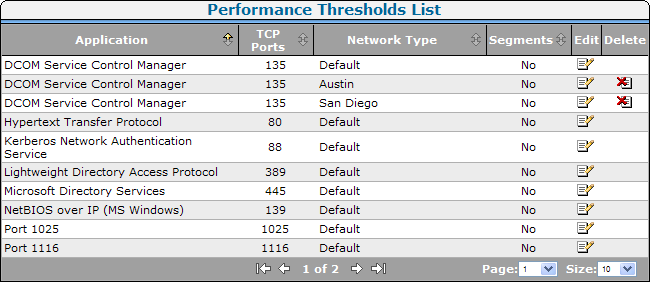
Use the Performance Thresholds List to manage the list of performance thresholds for each network. In the example below, the DCOM Service Control Manager application has custom thresholds for the client networks in the Austin and San Diego network types. The management console uses the performance thresholds in the Default network type to monitor application performance on any client networks that do not have an assigned network type.
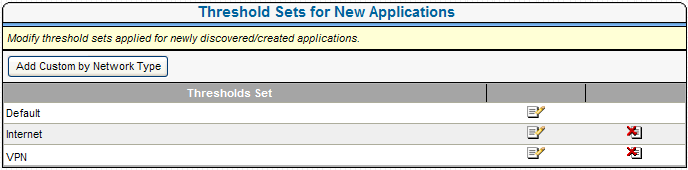
Use the Threshold Sets for New Applications list to manage the performance thresholds that are applied to new applications.
You can also create thresholds for a particular network type so that when an application is created or discovered, custom thresholds will be automatically applied to the application on that network. For example, for applications accessed through a VPN, desensitize or disable a performance threshold for network response time. By default, all new applications use the set of performance thresholds established for that network type.
|
Copyright © 2014 CA Technologies.
All rights reserved.
|
|