Using CA AppLogic › Appliance Developer Guide › Appliance Overview › Configure Appliance › Set Class Boundary › General › Procedure
Procedure
Follow these steps:
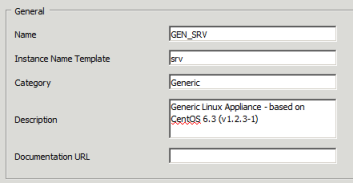
The Class Editor property sheet opens with the General tab displayed.