

|
|
|
From the ARCserve On Demand Portal homepage, you can click the Contact Support link to access CA Support through either Live Chat or the CA Customer Care site.
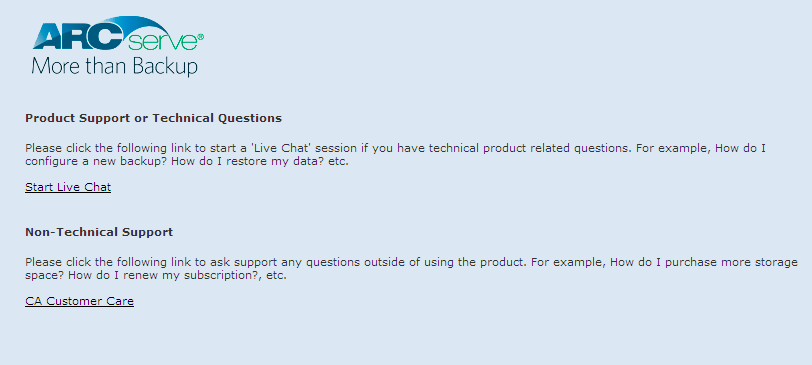
If you select Live Chat, the CA ARCserve D2D On Demand Live Chat window opens.
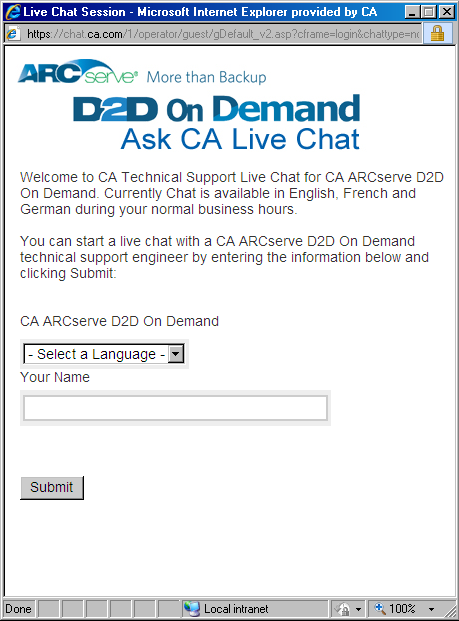
Note: You may need to add the Live Chat link to your Trusted sites.
Live Chat provides real-time monitoring and live help/support and lets you optimize intelligent conversation between you and the CA ARCserve D2D On Demand Technical Support team. This allows you to address your concerns and questions immediately, while still maintaining access to the product. Upon completion of the chat session, you can send a transcript of the chat to your email address.
| Copyright © 2012 CA. All rights reserved. | Tell Technical Publications how we can improve this information |