

The final step is to confirm the values for the parameters you specified. Note that the default context for the Horse name parameter is CUR (current). Since the Detail line is being processed at this point in the action diagram, the CUR context corresponds to the Detail line format.
Note: If you had used the Edit Functions panel rather than the Action Diagram Editor to define parameters, you would still need to access the Action Diagram Editor to confirm the parameter values.
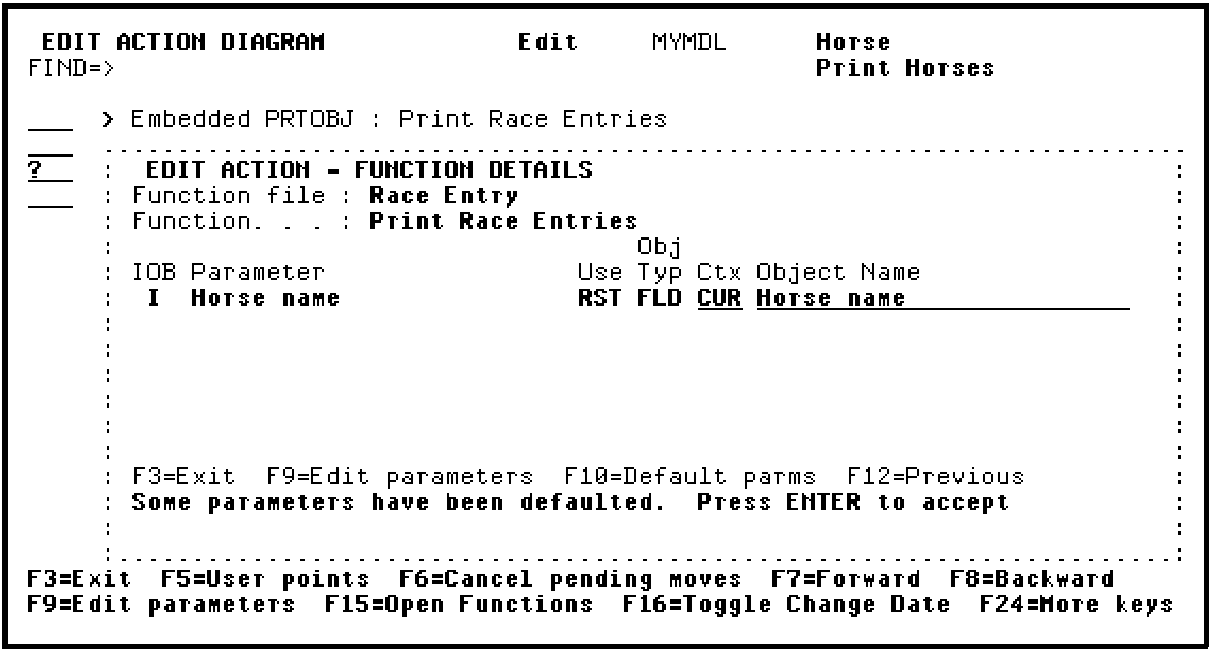
Press Enter to accept the parameter details.
|
Copyright © 2014 CA Technologies.
All rights reserved.
|
|