

On the Edit Functions Parameter Details panel you will specify the usage and role of the Horse name parameter. In this case, the parameter defaults to Input (I). You will specify that the parameter has a restrictor role by typing R in the Subfile selector. This will cause the Print Race Entries program to process only those records on the RACE ENTRY file for the horse identified by the Horse name parameter.
Type R against the Horse name parameter.
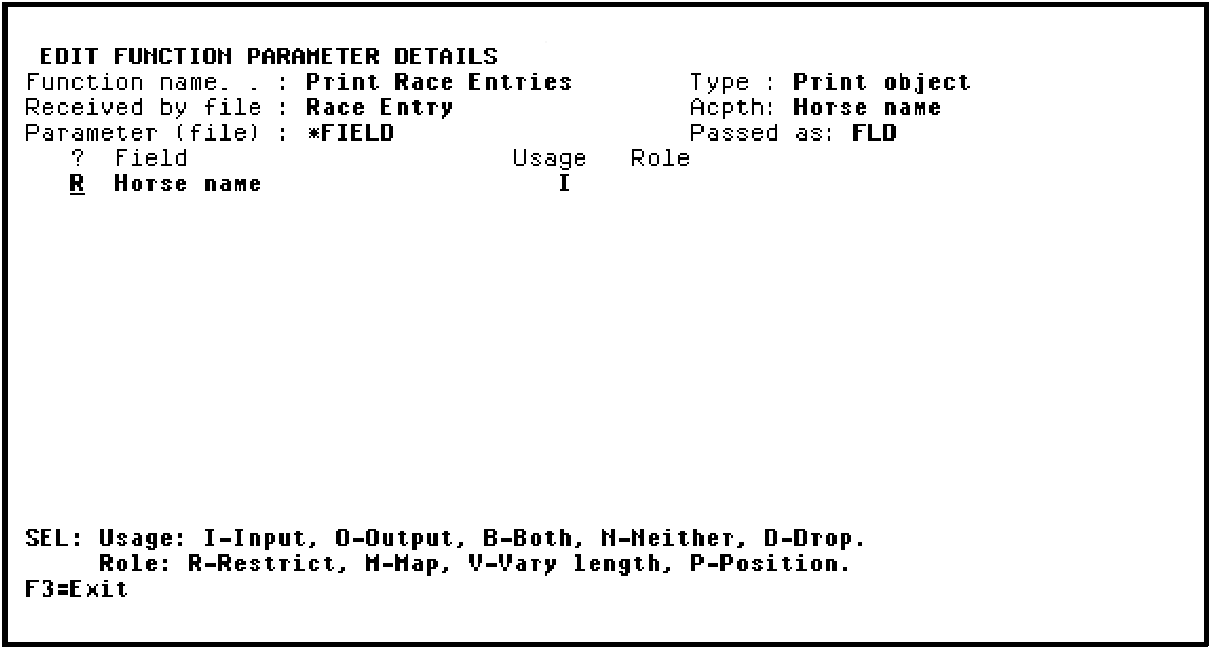
Press Enter.
CA 2E confirms that the parameter is a restrictor parameter by showing RST in the Role column.
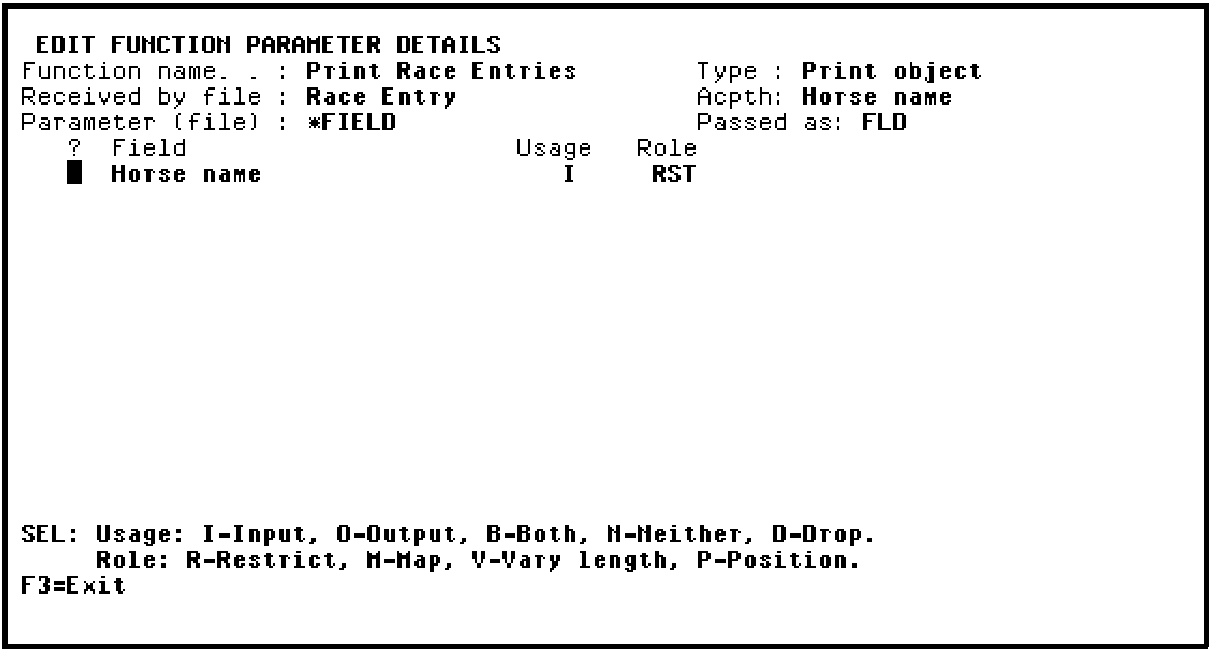
Press F3 twice to exit and return to the Edit Action - Function Details window.
|
Copyright © 2014 CA Technologies.
All rights reserved.
|
|