

Start by accessing the Edit Model Object List panel for your session list. Use one of the methods you used earlier in this chapter.
First position the session list to the Mares access path. Press F7 to display the Position the List window. Type ACP for the Type field and Mares for the Object field.
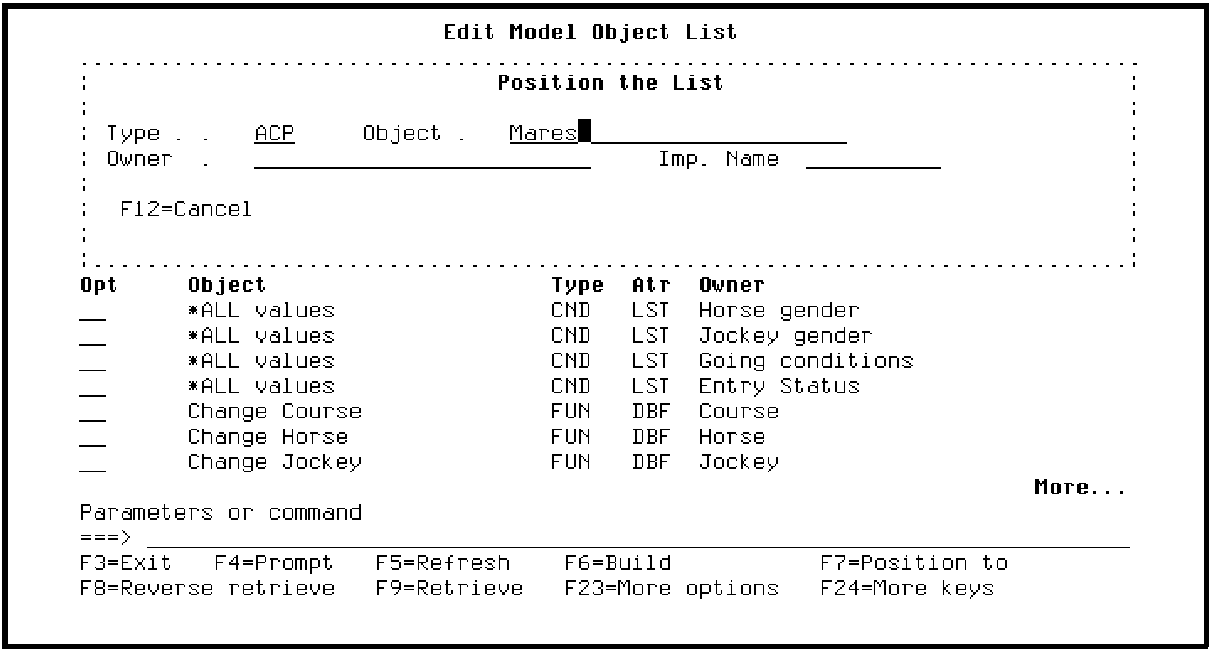
Press Enter. Your session list is now displayed in order by Object Type and Object Name beginning with the Mares access path.
Press F23 until option 91 is displayed. Option 91 displays usages for the selected object. Type 91 in the Subfile selector for the Mares access path.
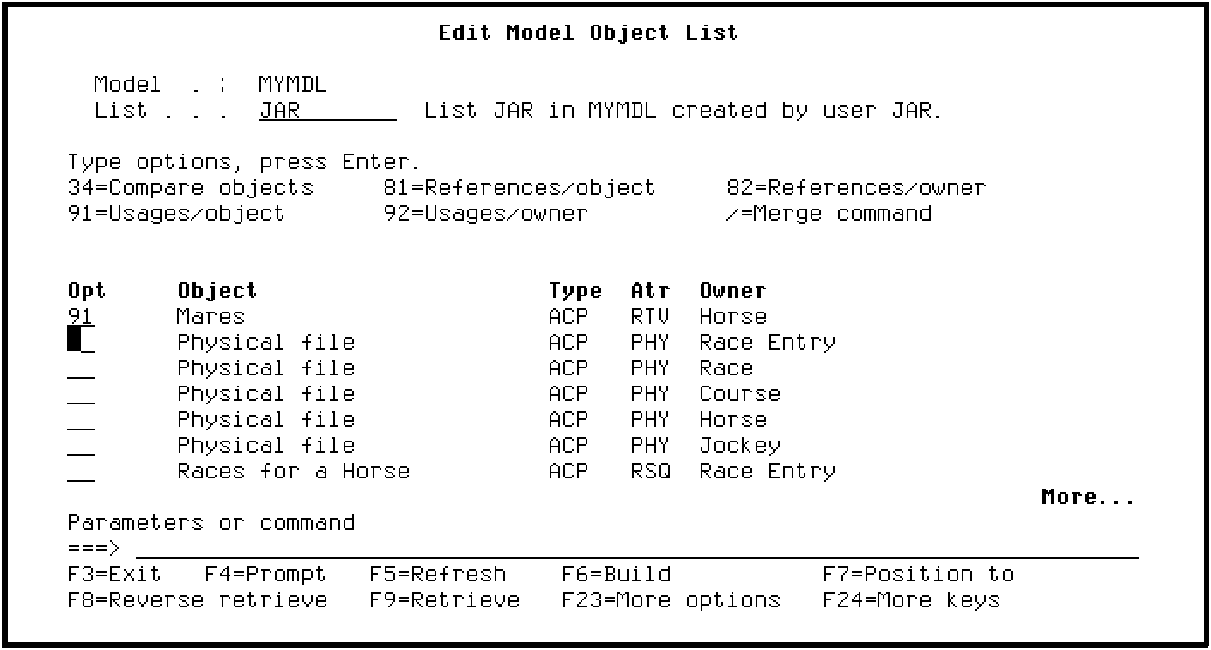
Press Enter. Notice the messages at the bottom of the panel as CA 2E expands model usages.
|
Copyright © 2014 CA Technologies.
All rights reserved.
|
|