

The objective is to add an information message to the Edit Horse function on return from the Display Racing results function. You will use the IMF command to insert the message. This command provides a shortcut for inserting and prompting a message function in one step. Remember, to view a list of available commands, type ? in the Subfile selector.
Type IMF in the Subfile selector as shown to insert an information message function after calling the Display Racing results function.
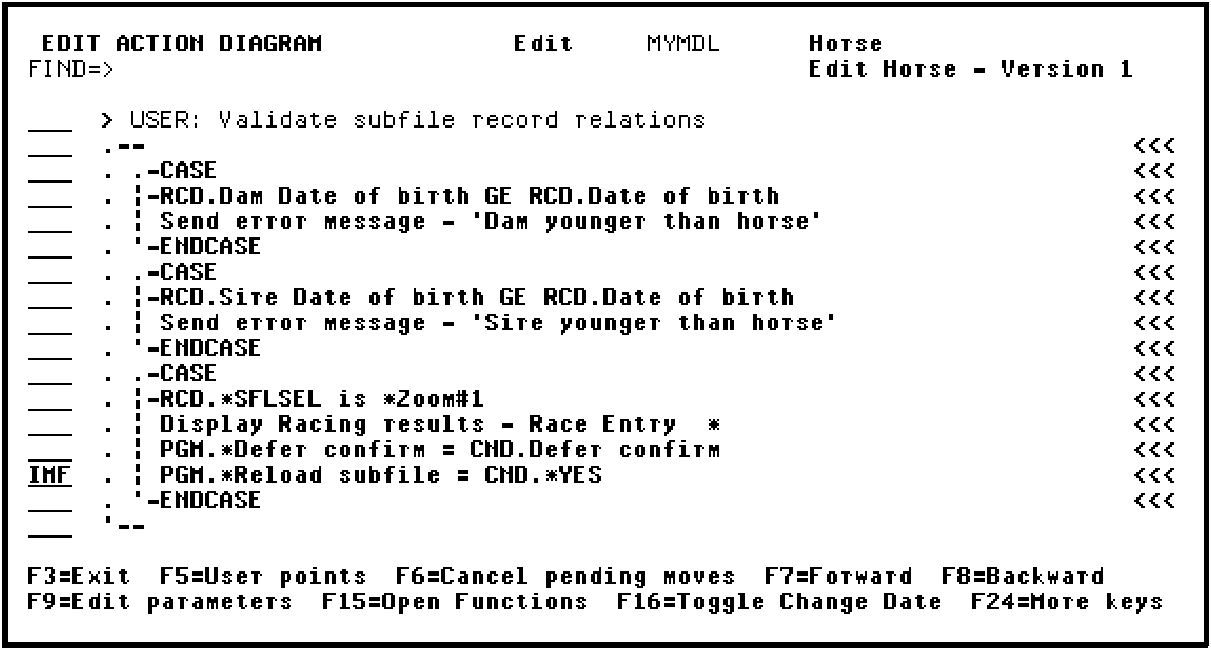
Press Enter. When the Edit Message Functions panel displays, press F9 to add the new message.
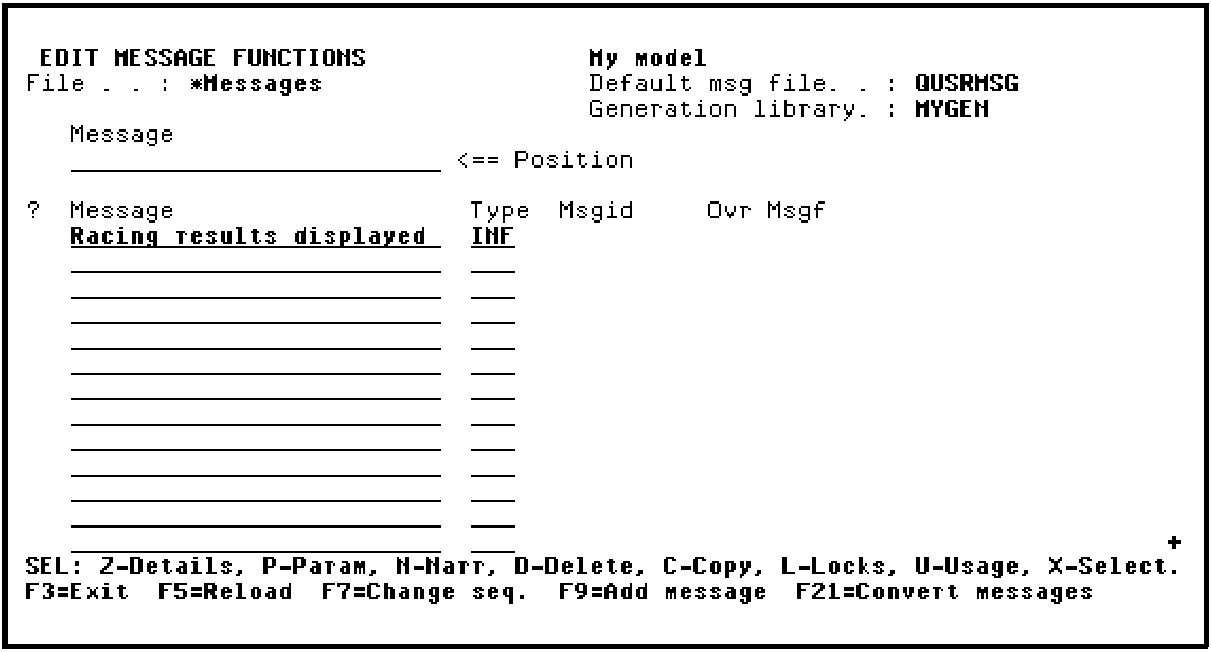
Press Enter.
|
Copyright © 2014 CA Technologies.
All rights reserved.
|
|