

You can position the model list displayed to a specific object type, object name, owner, or implementation name. This topic presents a few examples of ways to use positioning. Feel free to experiment on your own.
Press F7 to display the Position the List window. The values you enter in this positioner window also determine the order in which the model objects display.
Type FUN (function).
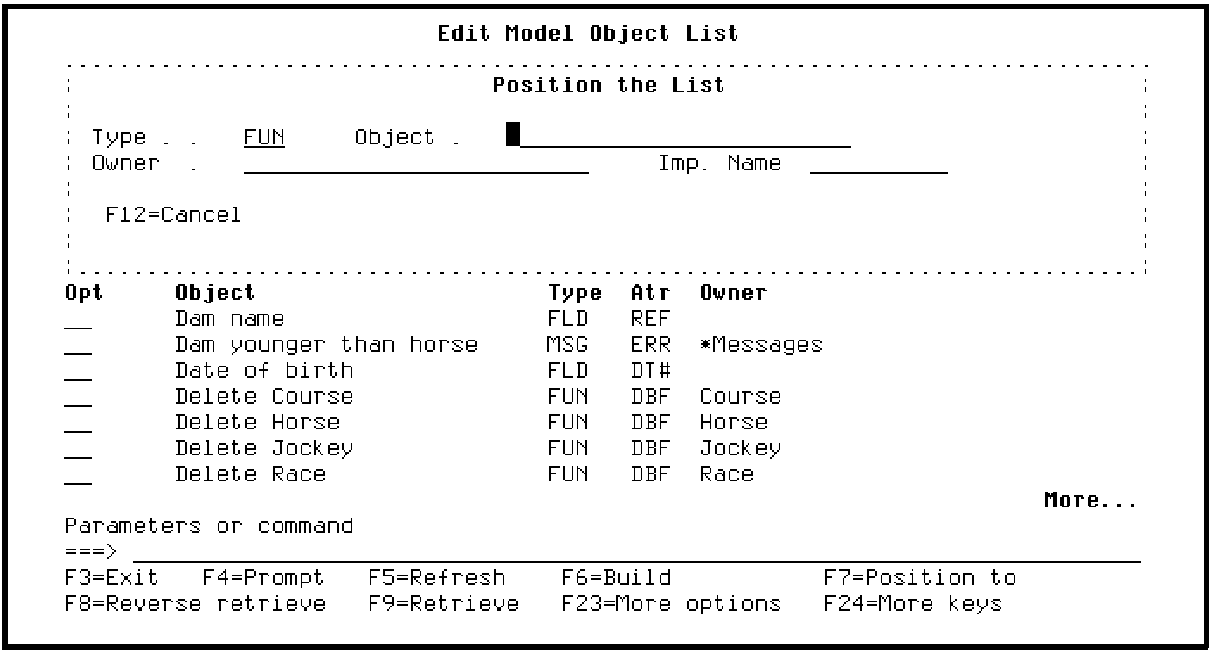
Press Enter.
Note that the list is now positioned at the first model object of type FUN. The following model objects are displayed alphabetically by type, and for each type, alphabetically by object name. Note the message displayed at the bottom of the panel indicating this.
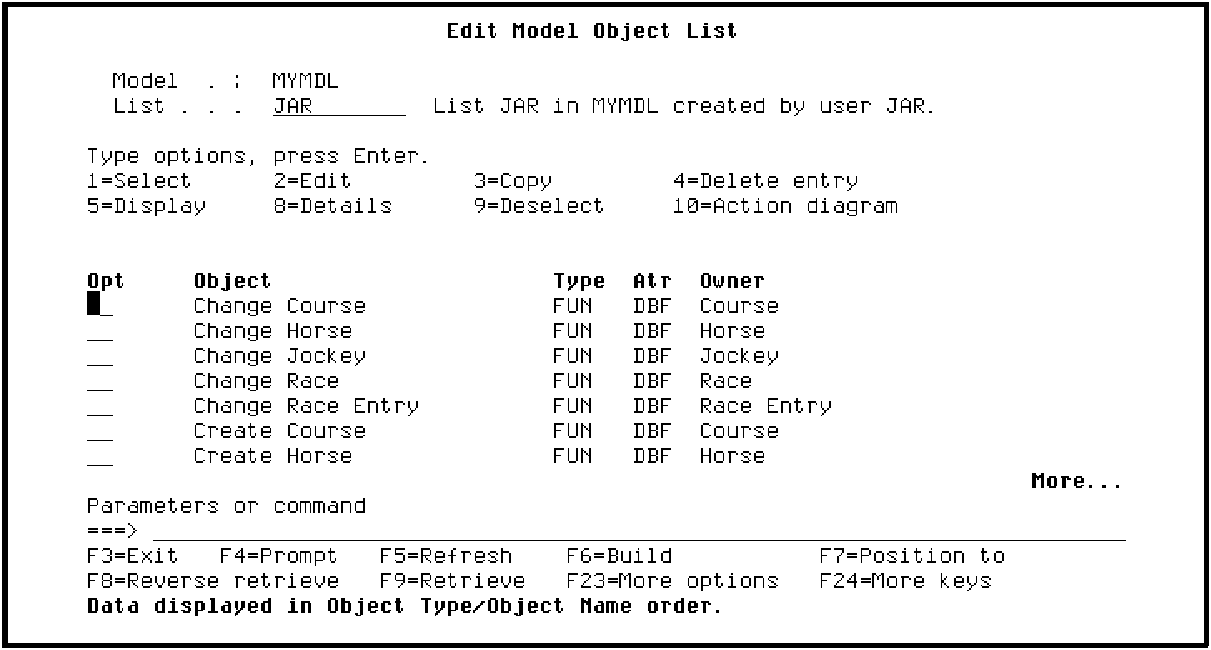
Scroll through the list to verify this.
Press F7 again. Blank out the Type field and type HORSE for Owner.
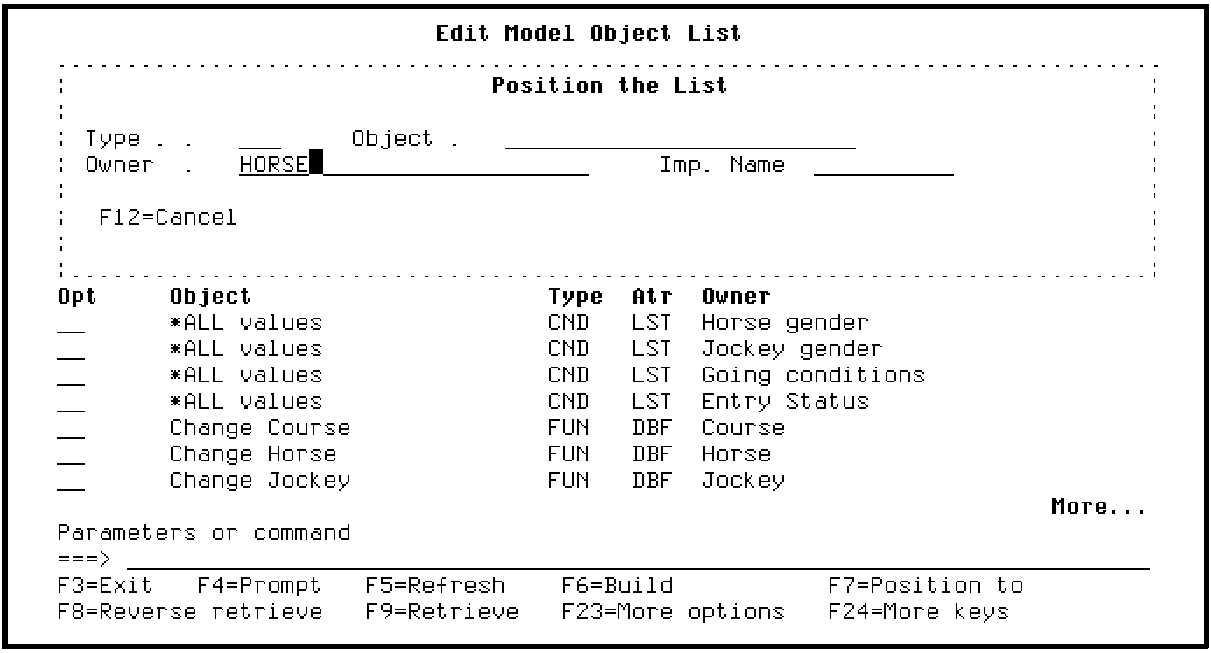
Press Enter.
Note that the list is now positioned at the first model object that has HORSE as its owner. Note the message at the bottom of the panel. The following model objects are displayed alphabetically by Owner, and for each Owner, alphabetically by Object Type, and then by Object Name. Scroll through the list to verify this.
|
Copyright © 2014 CA Technologies.
All rights reserved.
|
|