

Press F3 to exit the Device Design Editor. At the Edit Function Devices panel press F15 to return to the Open Functions panel. From this panel you can either exit all open functions, or you can exit functions individually using the X Subfile selector option. In this case, you will exit all open functions.
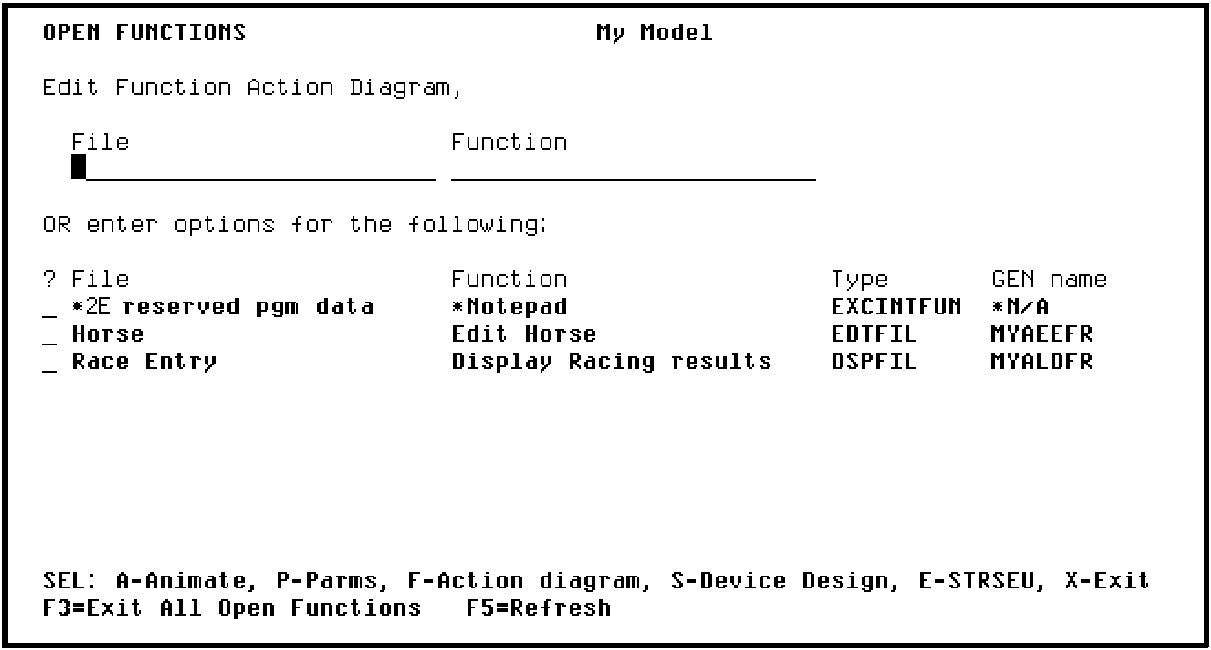
Press F3 to exit all open functions. You will proceed through the following steps.
The Exit Function Definition panel displays a second time for the Edit Horse function. Press Enter to accept the defaults.
The Exit Function Definition panel displays first for the Display Racing results function. Press Enter to accept the defaults.
The Edit Functions panel for the HORSE file displays. Press F3 to exit and return to the Edit Database Relations panel.
Press F3 to exit the model.
|
Copyright © 2014 CA Technologies.
All rights reserved.
|
|