

The Toolkit panel design for the Display Racing results function displays. Input-capable fields are indicated by underscores; output-only fields are shown in black.
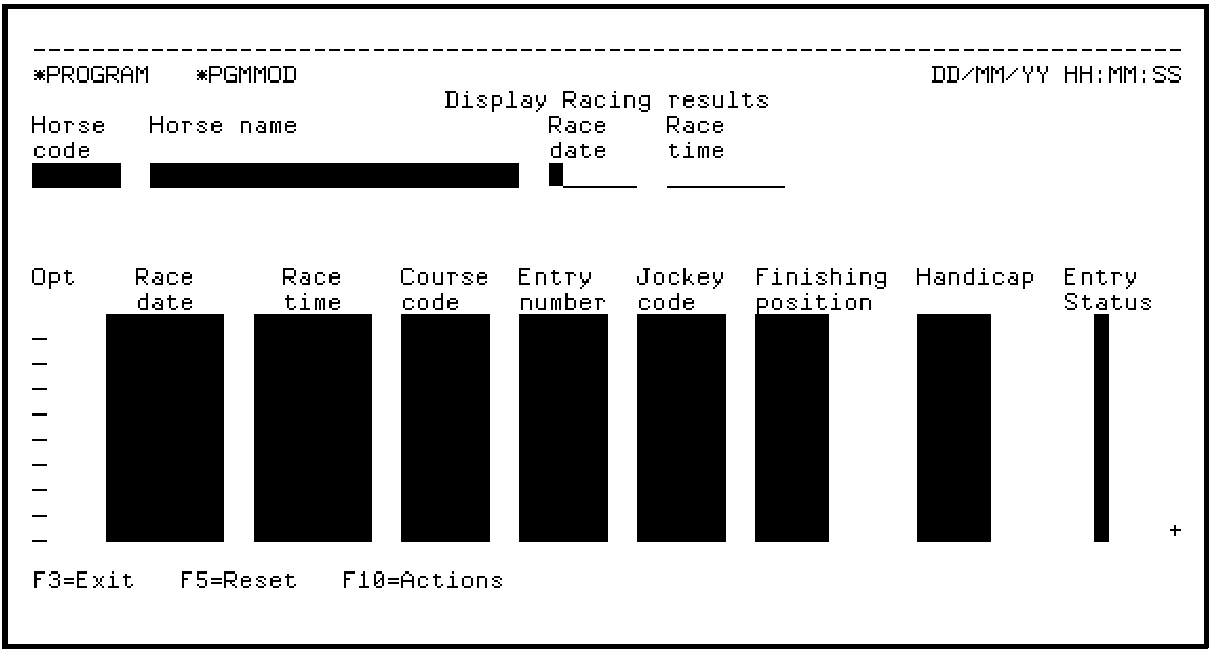
Next test the command key navigation you set up for the Display Racing results panel design by pressing F3. This should cause a return to the Toolkit panel design for Edit Horse.
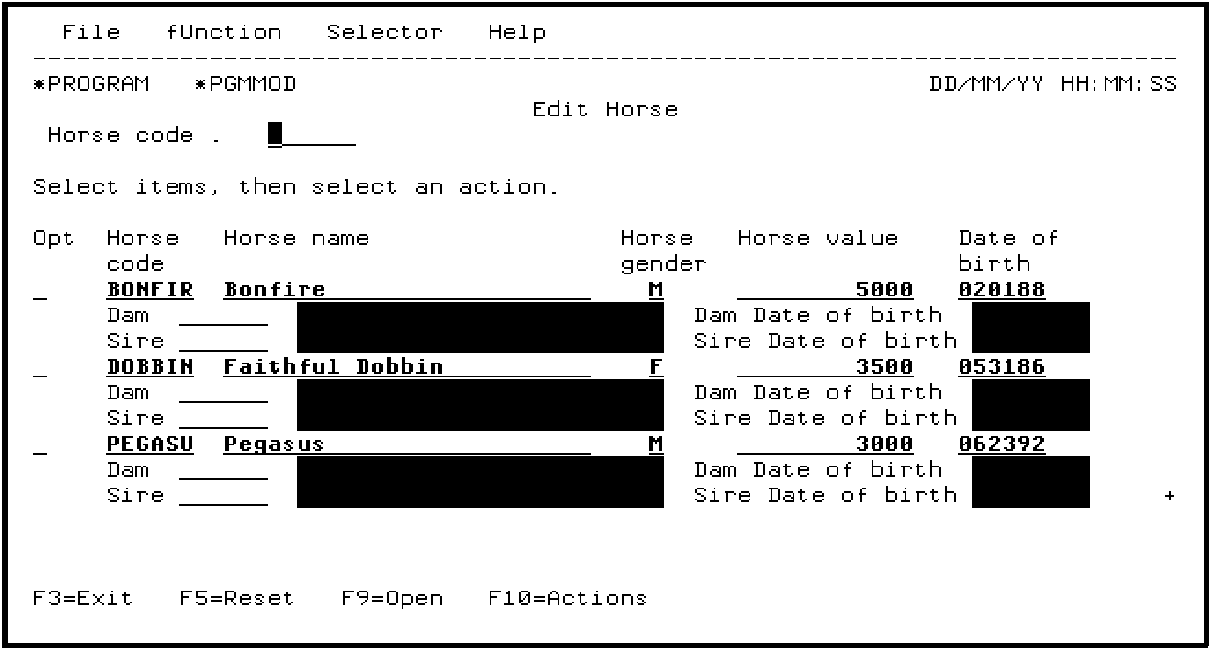
Press F3 to return to the CA 2E device design for the Edit Horse function.
You could now make design changes to the device design and repeat the animation process until you are satisfied with the results.
Note: If you have defined command key or action bar navigation in Toolkit, do not choose the options to replace action bar or command key navigation when you reanimate. In other words, accept the defaults for the Replace options on the Animate Function Panels panel.
|
Copyright © 2014 CA Technologies.
All rights reserved.
|
|