

This panel shows which panel is to be displayed when a command key is pressed during program simulation in Toolkit. Entries are shown only for command keys defined for the function in CA 2E.
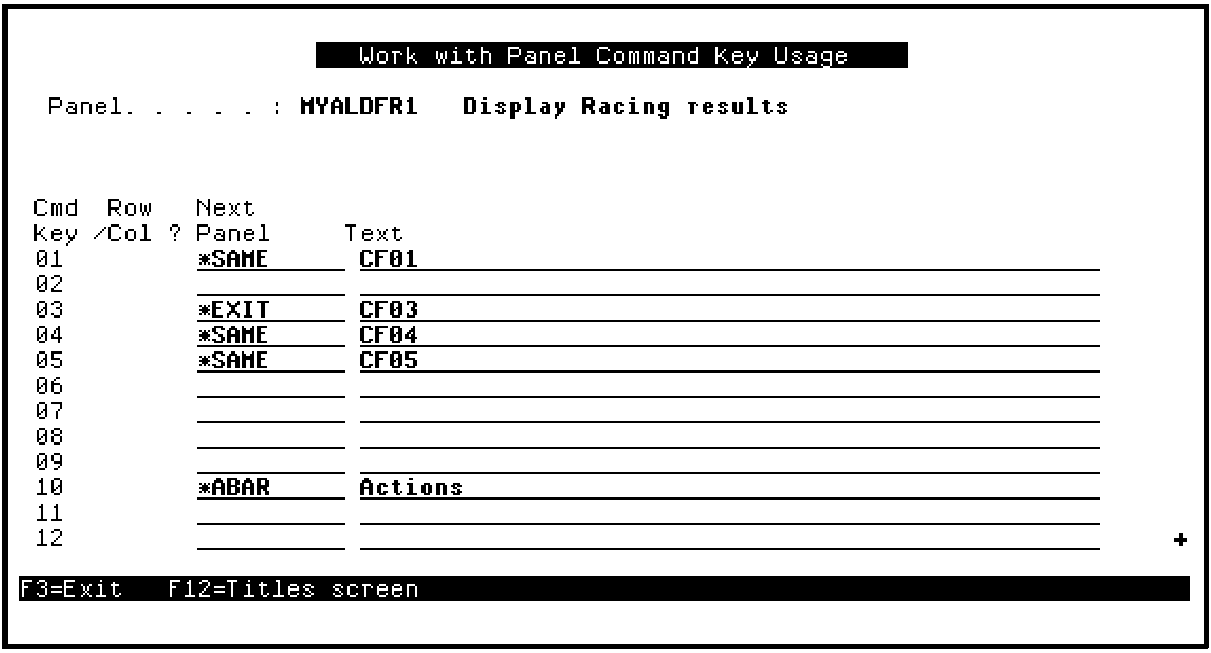
The possible values for the Next Panel column are:
|
Value |
Description |
|---|---|
|
*PRV |
Display the previous panel |
|
*SAME |
Redisplay the current panel |
|
*EXEC |
Execute the command string shown in the Text column |
|
*EXIT |
Exit the program |
|
*ABAR |
Activate the action bar |
|
name |
Display the named Toolkit panel design |
If you had not converted the command key navigation when you converted the Display Racing results function, only the F3 command key would be defined. This is done by default to provide a way to return to CA 2E that you can easily remember. You can also return to CA 2E by pressing the Home key.
Note: Refer to the documentation for your terminal or computer to learn which key is the Home key on your system.
|
Copyright © 2014 CA Technologies.
All rights reserved.
|
|