

You can now enter sample data in the input-capable fields. These are indicated below by underscores. Output-only fields are shown in black.
Note: The Toolkit panel design reflects the colors or other display attributes you included in your CA 2E
device design.
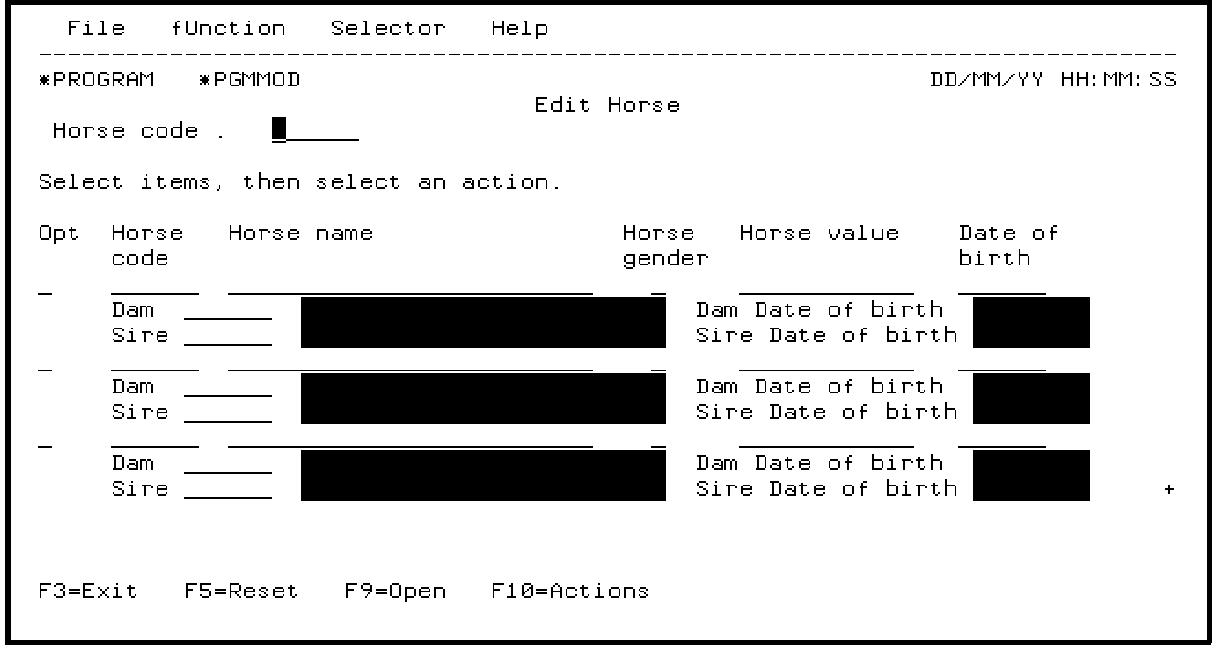
Type the following sample data. Use the Tab and Field Exit keys as you would on a real panel.
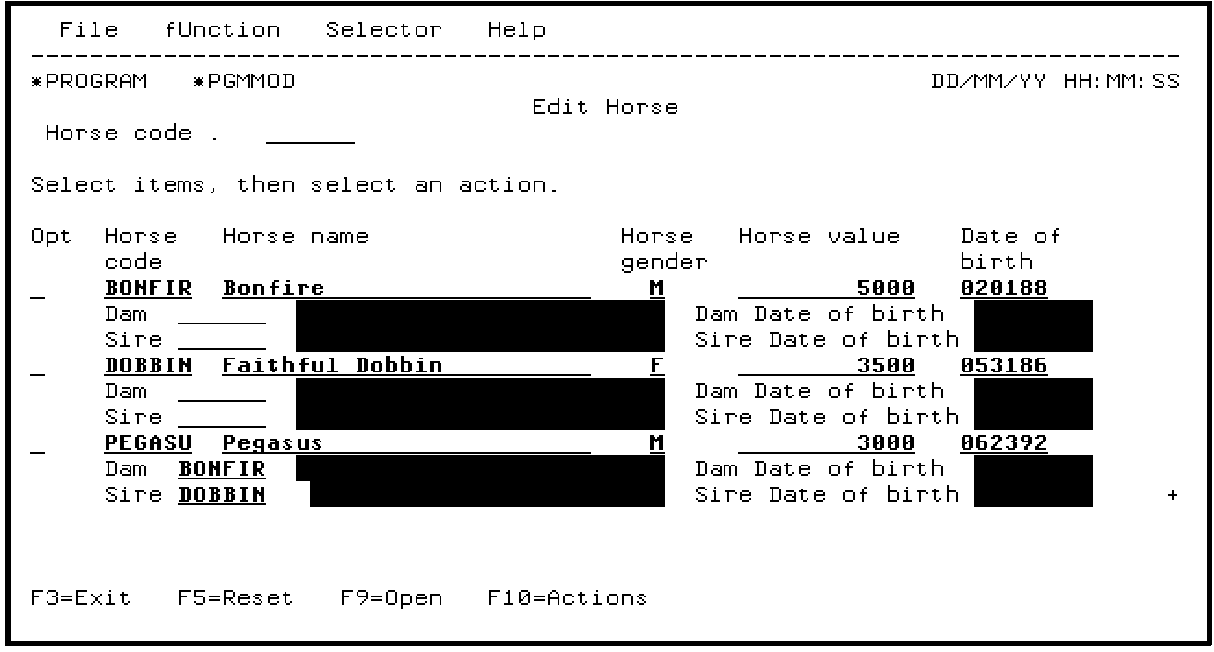
Press Enter to confirm your entries. This data will be retained until you choose to Clear Test Data on the Animate Function Panels panel. Press F3 to return to the CA 2E device design for Edit Horse.
|
Copyright © 2014 CA Technologies.
All rights reserved.
|
|