

In this step you will convert the Edit Horse device design to a Toolkit panel design by accepting the default of Y for the Convert Model Panel field. You also need to convert the CA 2E command key and action bar navigation so you can simulate the link between the two functions. To enter sample data, you need to change the Display Option field to 3 (CHGDTA).
Type Y for Replace Navigation, Y for Replace Action Bar, and 3 for the Display Option field.
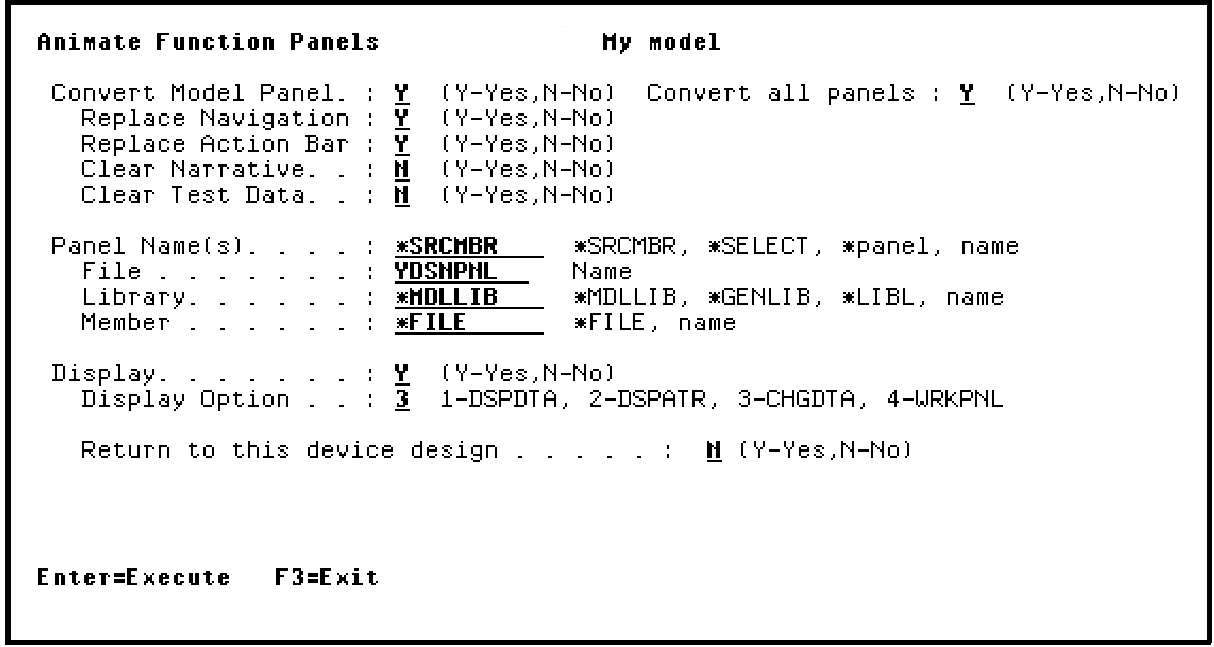
Press Enter to display the Toolkit panel design corresponding to your CA 2E device design. Notice the messages at the bottom of the panel as CA 2E converts the device design and the function key and action bar navigation.
|
Copyright © 2014 CA Technologies.
All rights reserved.
|
|