

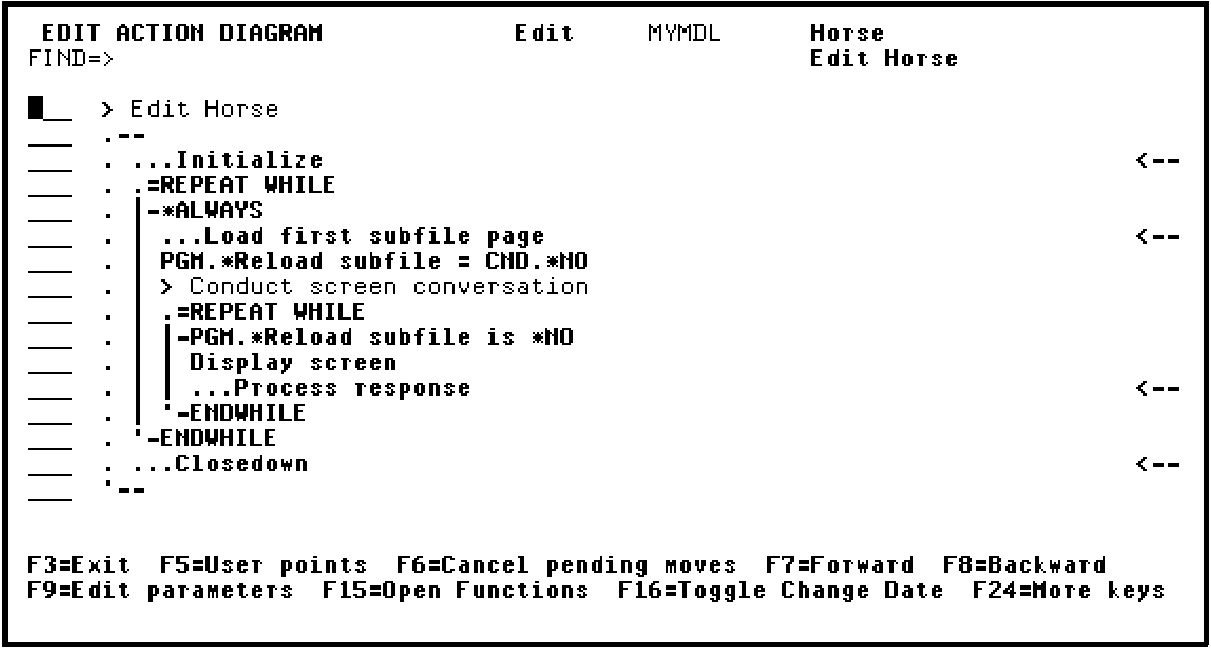
In this step you will insert the action you just defined into the Edit Horse action diagram and define another message function as the action when the horse’s date of birth is earlier than its sire’s date of birth. This time you will define the message function from within the action diagram.
Press F3 to return to the Edit Database Relations panel. When the Edit Database Relations panel displays, type Horse* on the selection line and press Enter to display relations for the HORSE file.
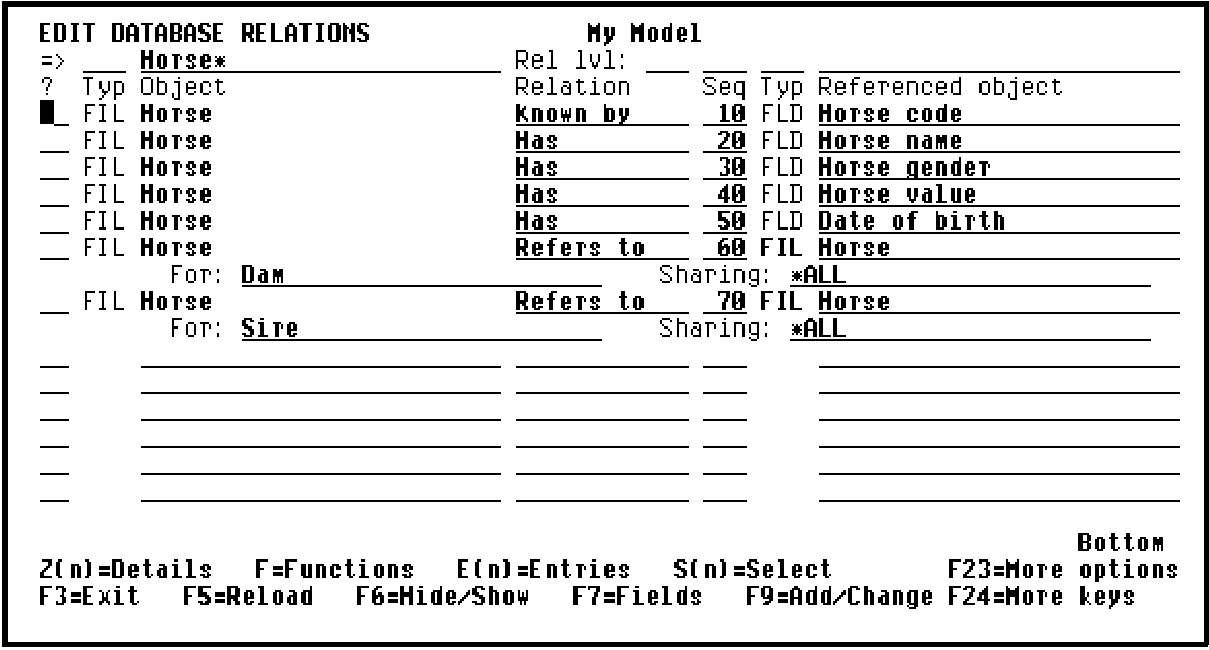
Type F against one of the relations and press Enter to display functions for the HORSE file. Type F against the Edit Horse function.
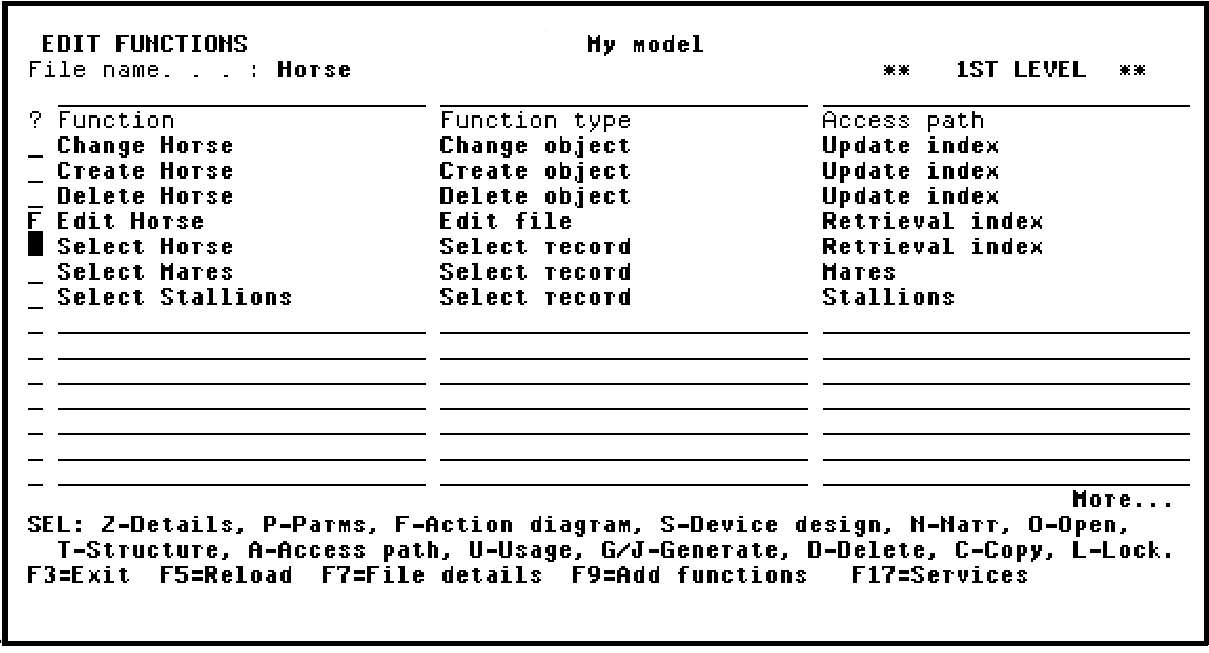
Press Enter to display the Edit Horse action diagram.
|
Copyright © 2014 CA Technologies.
All rights reserved.
|
|