

Change the width and depth of the window to include just the fields on the device design. You can feel free to experiment by trying several combinations until you achieve a panel layout that meets your needs. For this tutorial, change the window so that the depth is 17 and the width is 62.
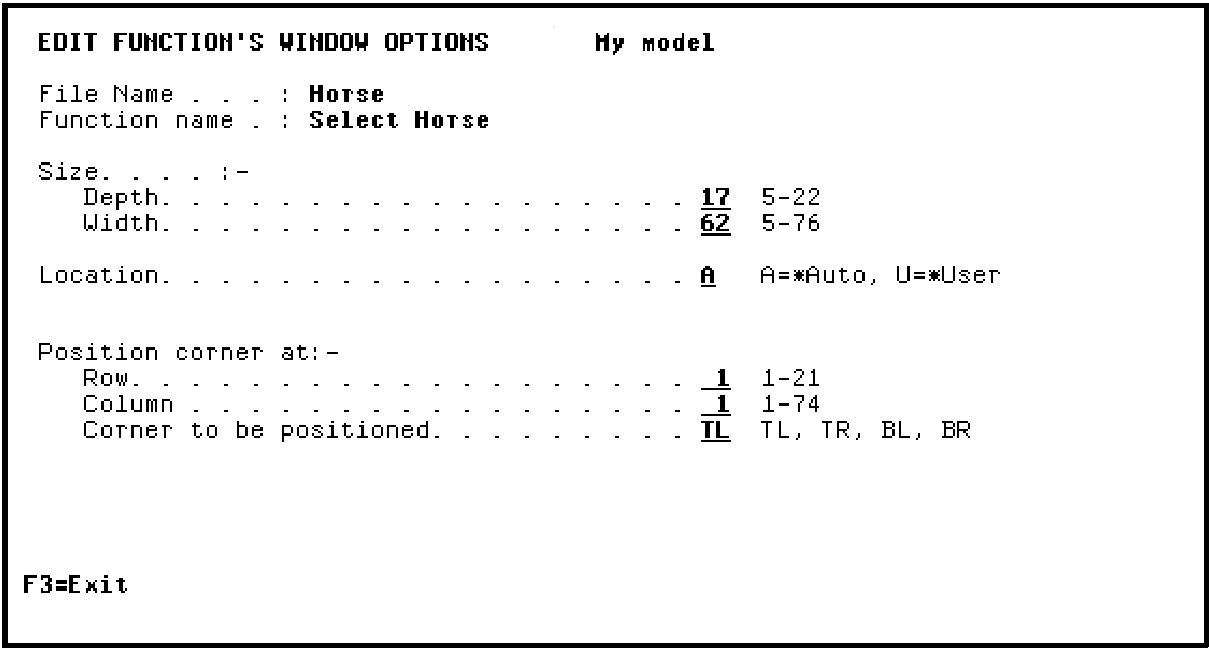
Press Enter and press F3 to return to the Device Design Editor.
|
Copyright © 2014 CA Technologies.
All rights reserved.
|
|