

In this step you will reduce the dimensions of the Select Horse window so that it just surrounds all remaining fields as part of the device design. You can access the Window Options Editor from the function title. Position the cursor on the function title.
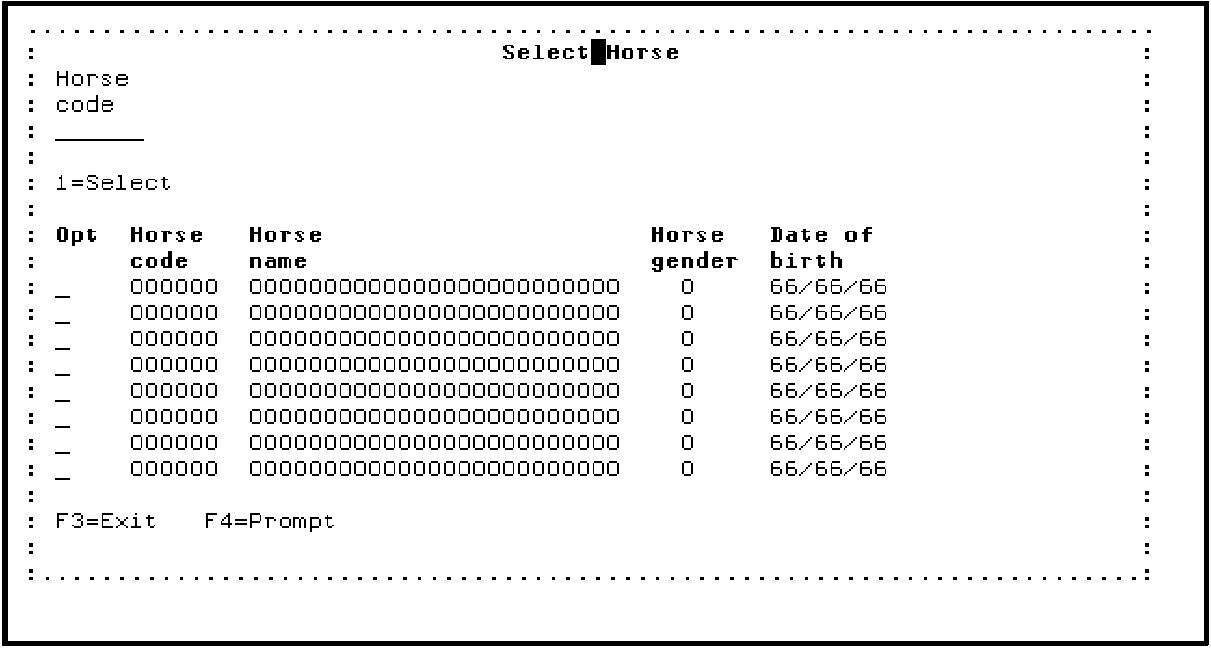
Press Enter.
The Edit Function’s Window Options panel contains the parameters that control the size and location of a window on a panel. You can change the default values and value limits for the window depth, width, and position as needed. In this tutorial, you will modify the depth and width of the window.
|
Copyright © 2014 CA Technologies.
All rights reserved.
|
|