

Change the validation of a relation to optional by typing O against the relevant relation. In this tutorial, the check condition for the two Refers to relations and the check condition for HORSE Has Horse value should be optional.
Type O against the first Refers to relation and the Has Horse value relation.
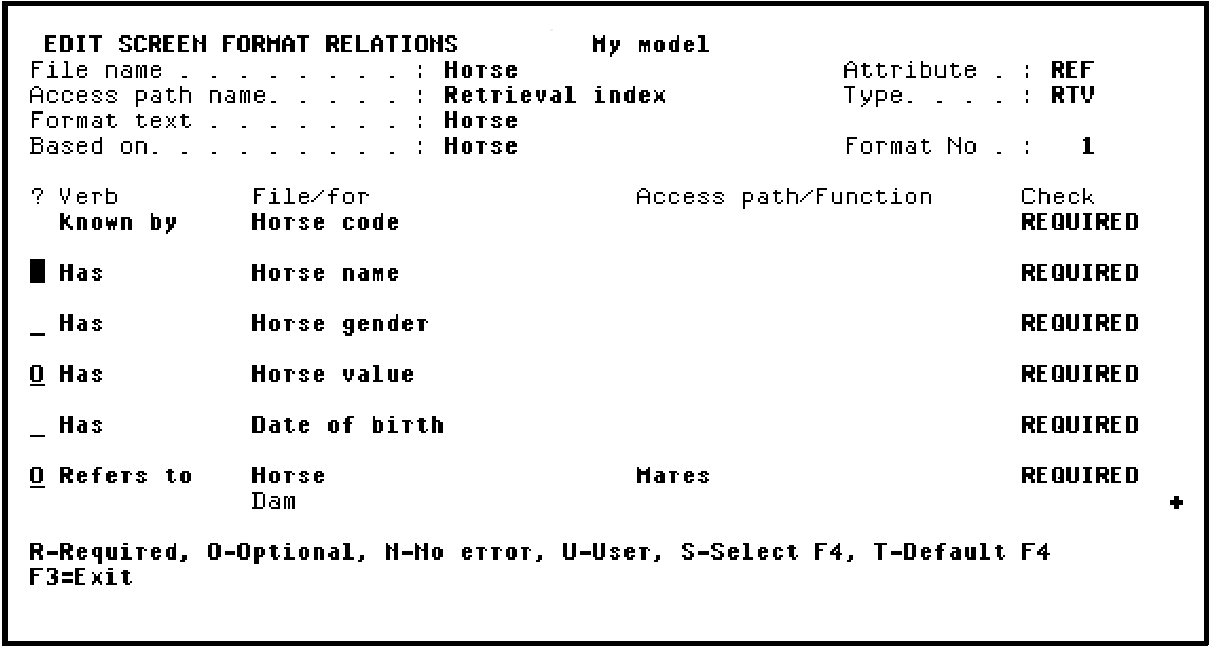
Press Roll Up to display the second HORSE Refers to HORSE relation and type O in the Subfile selector.
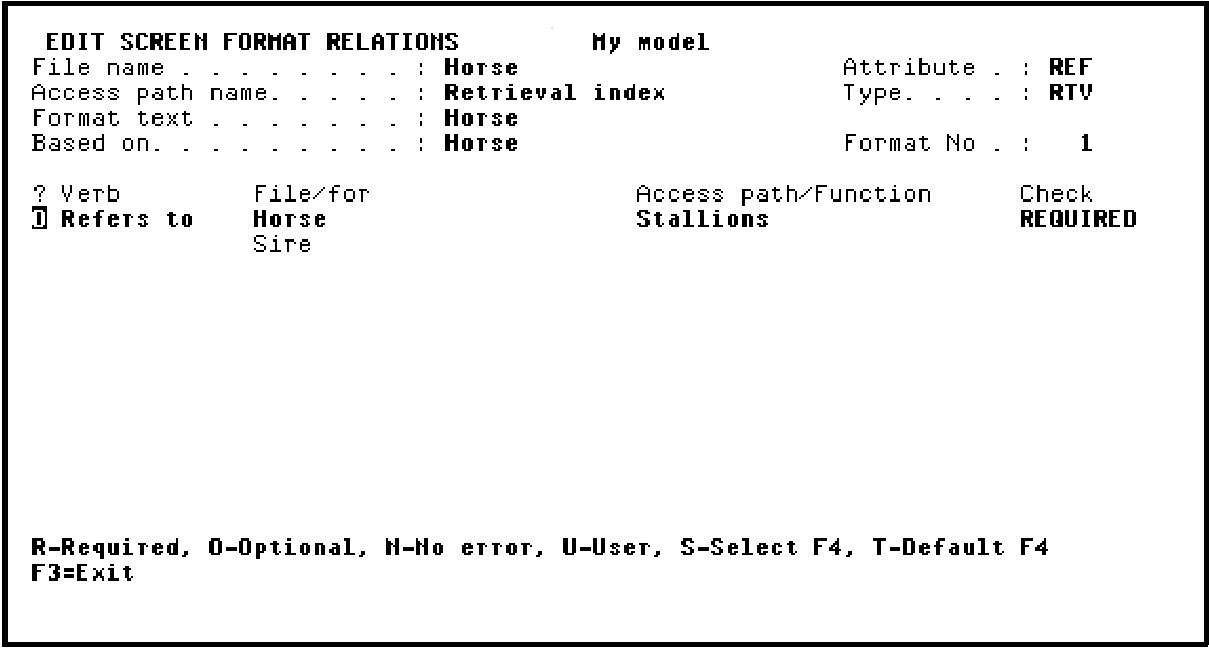
Press Enter to confirm. Note that the value in the Check column for the selected relations changed from REQUIRED to OPTIONAL.
Press F3 to return to the device design.
|
Copyright © 2014 CA Technologies.
All rights reserved.
|
|