

You can also move fields by changing the value in the Spaces before field on the Edit Screen Entry Details panel. Position the cursor on the Sire field.
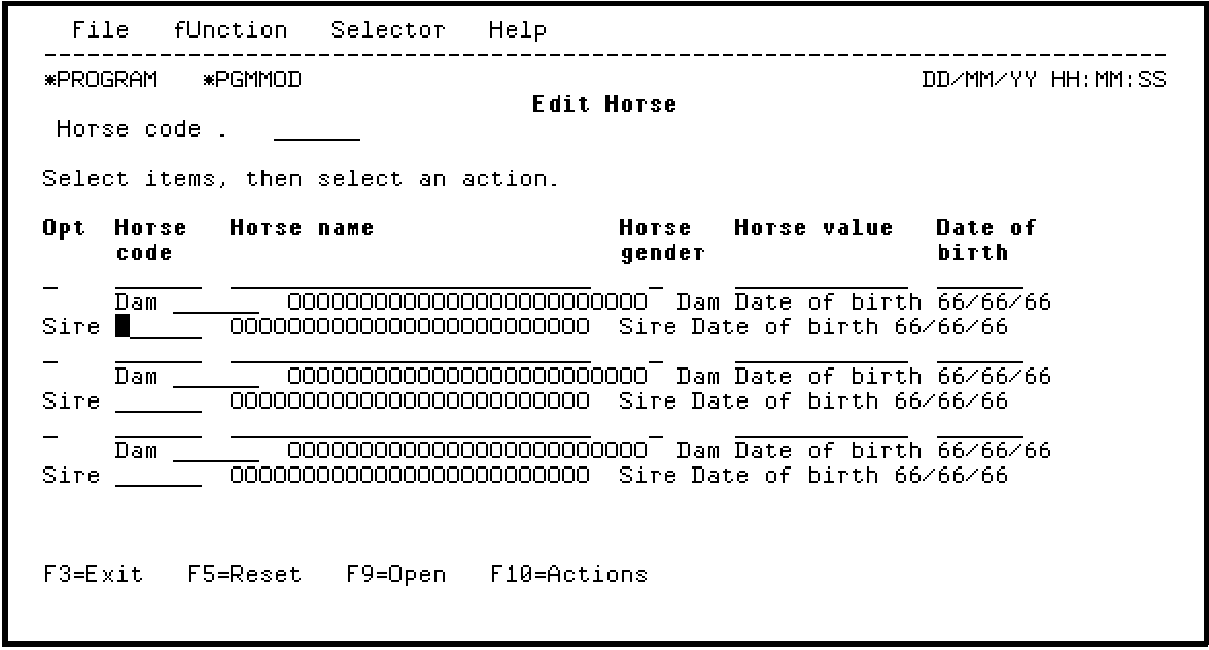
Press Enter to display the Edit Screen Entry Details panel. Change the Spaces before field to 6 as shown and press Field Exit.
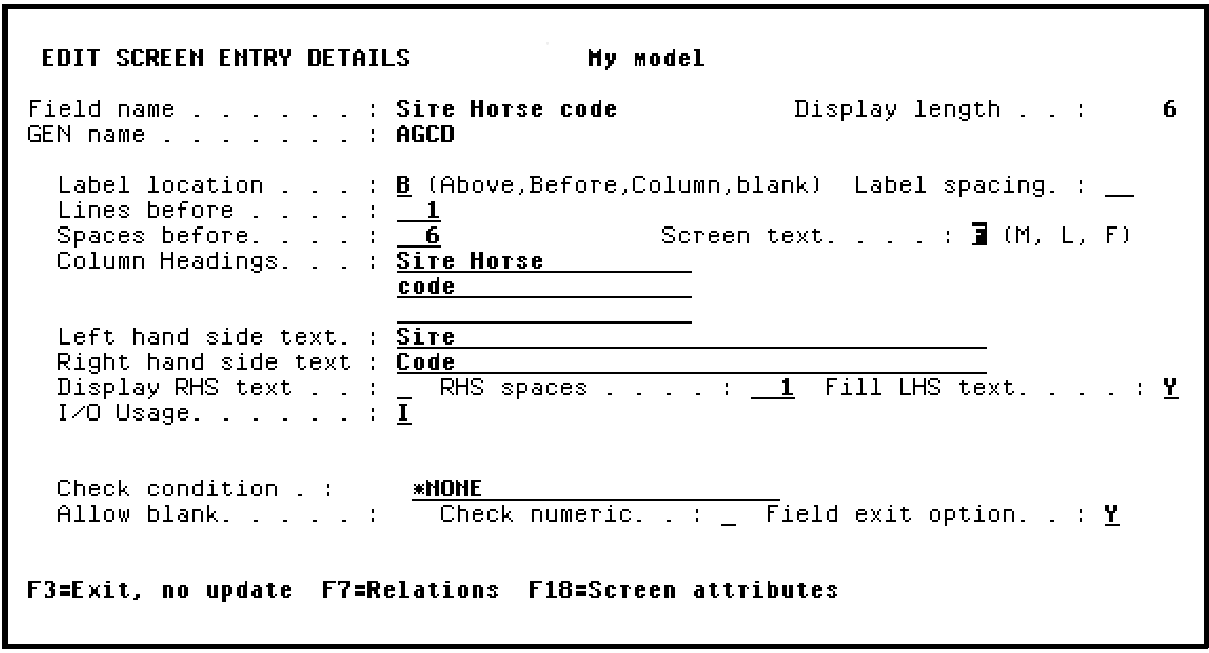
Press Enter.
|
Copyright © 2014 CA Technologies.
All rights reserved.
|
|