

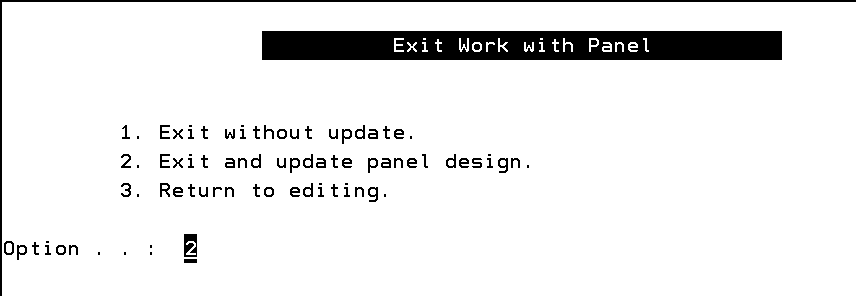
The examples shown on the following pages are the different Work with Panel Design displays including the Work with Panel Title Details display, the Work with Panel Design Image display, Work with Panel Narrative display, Work with Panel Command Key Usage display, Exit Work with Panel display, and the Display Connection map.
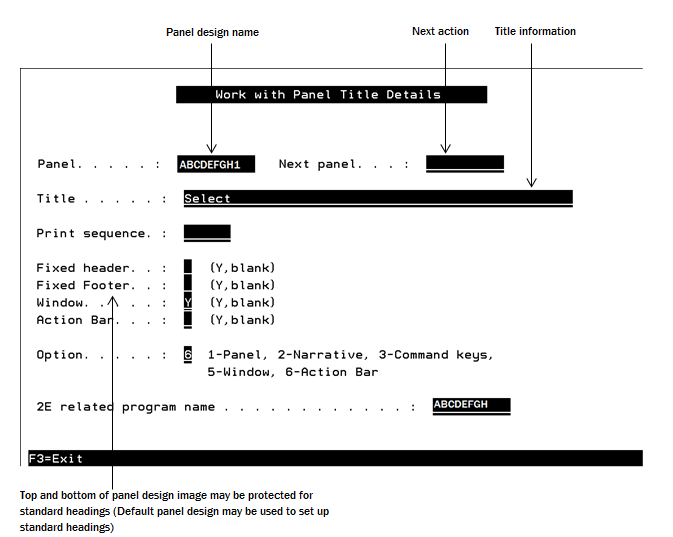
The YWRKPNL title display enables you both to specify title details, and to indicate what you wish to do next, for example edit the image.
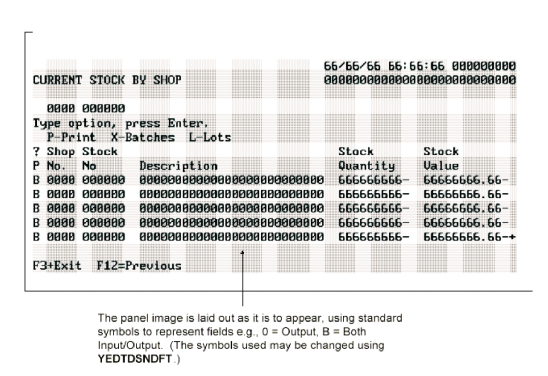
Option 1 from the panel design title display causes the panel design image display to be shown. The image of the panel design is laid out using a free format display. The top and bottom may optionally be protected.
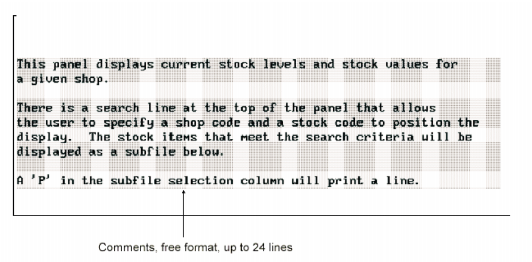
Option 2 from the title panel causes the panel design narrative display to be shown. The explanatory narrative for the panel design is laid out using a free format display of 24 lines. You may use the ROLL keys to move between pages, up to three pages are supported.
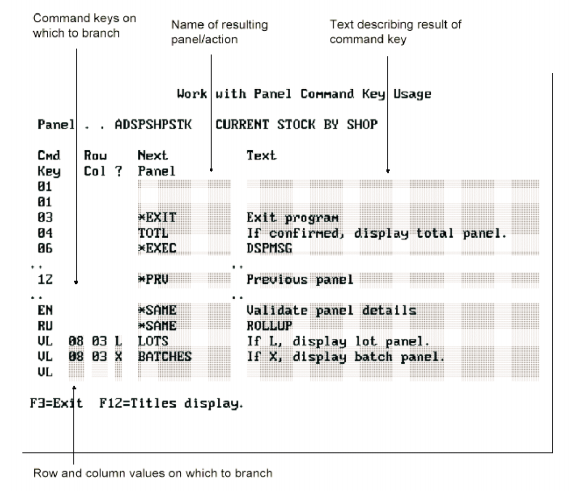
Option 3 from the panel design title display causes the panel design branching display to be shown. The display for specifying branching looks like this:
|
Copyright © 2014 CA.
All rights reserved.
|
|