

CA 2E automatically resolves each relation you entered on the Edit Database Relations panel into one or more file entries. You can view how CA 2E has resolved your relations by displaying the entries for the files. Using the Edit File Entries panel from the Edit Database Relations panel, enter E next to any of the relations for the COURSE file. A sample panel is shown next:
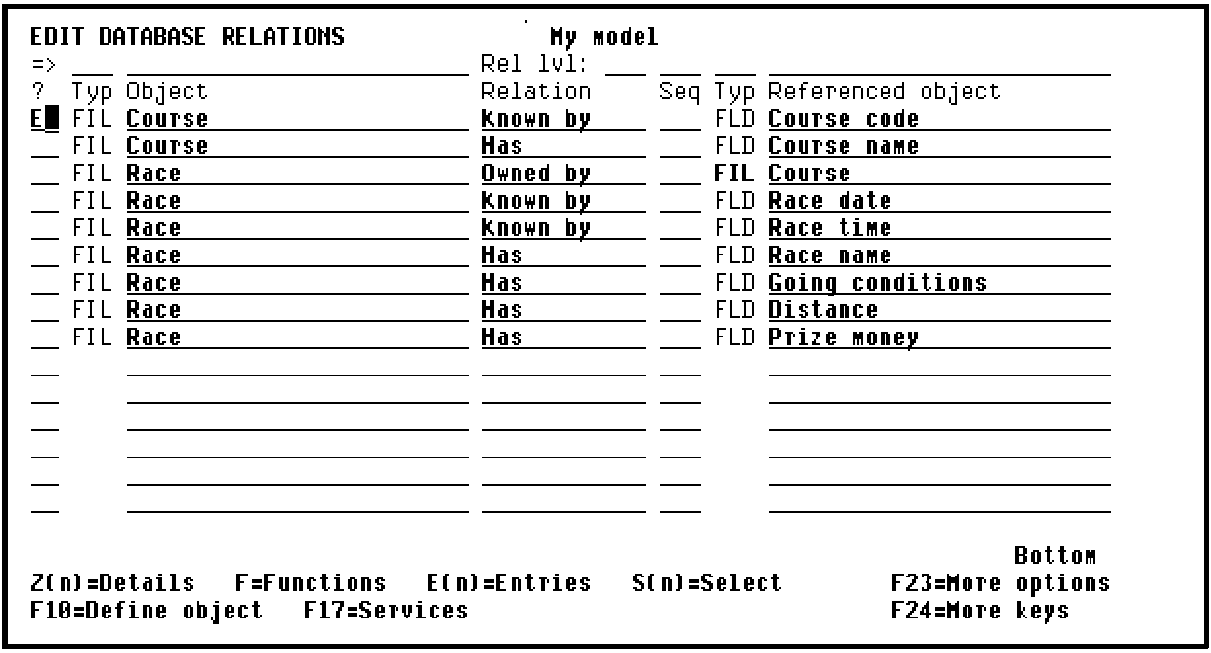
Press Enter to display the Edit File Entries panel. This panel shows the file entries that were automatically created for the file:
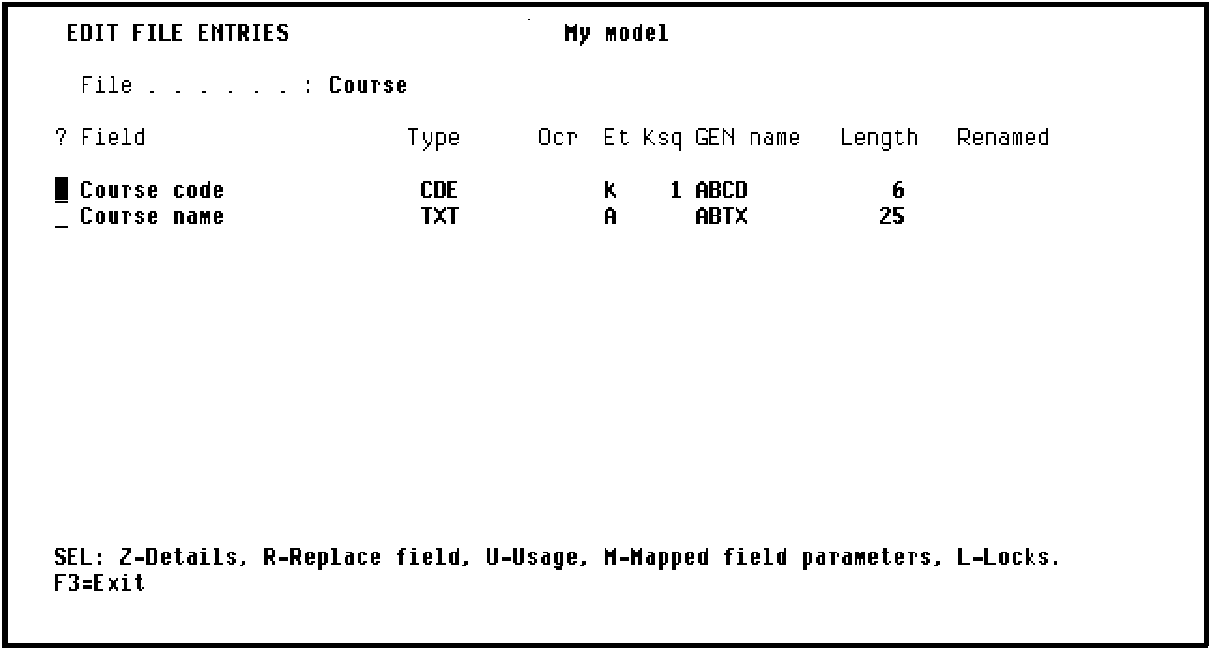
For each file entry, this panel displays the field names, the field type, whether the field is a key field (K) or an attribute (A), the CA 2E generated implementation name, and the field length. Note that CA 2E assigned the implementation name and default length based on the data type you specified; for example, for fields of type CDE,CA 2E assigns a four-character implementation name ending in CD and a default length of 6.
|
Copyright © 2014 CA.
All rights reserved.
|
|