

The Define Objects panel shows each of the new objects you entered on the Edit Database Relations panel. Based on the relation statements you entered, each new object is automatically assigned a type and each field is assigned a usage, but you must enter the object attributes.
To display the Define Objects panel press F24 to display more function keys, then press F10 to display the Define Objects panel. A sample panel is shown next:
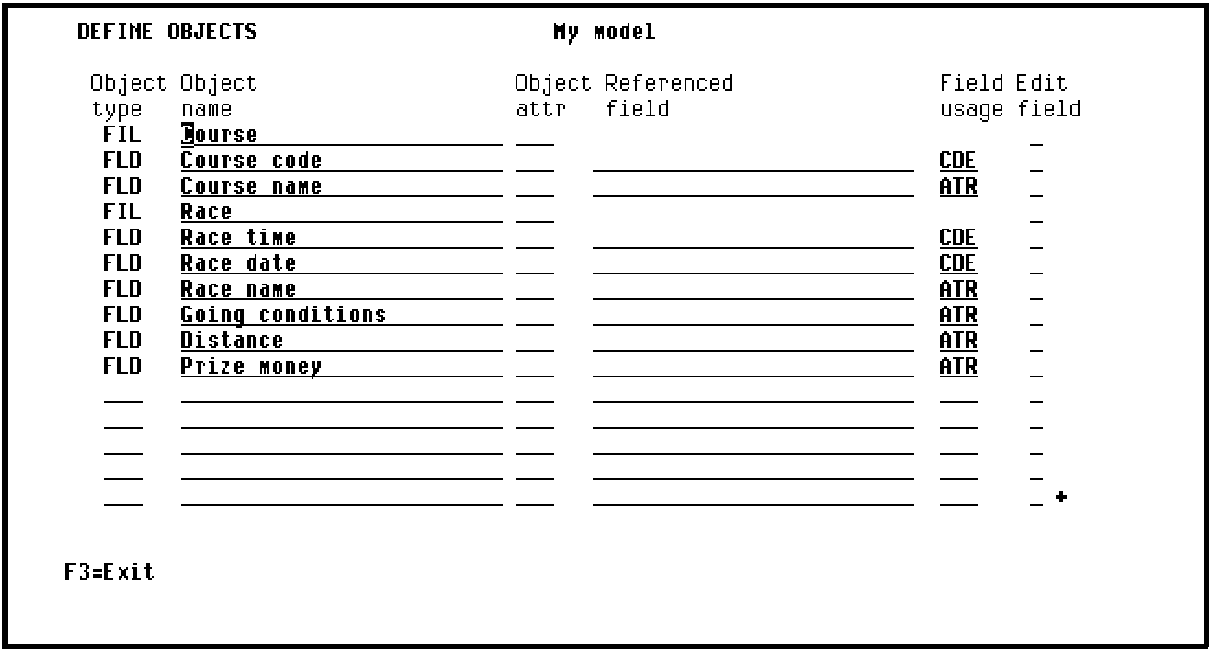
You can view a list of the available object attributes by typing ? in the object attribute field.
|
Copyright © 2014 CA.
All rights reserved.
|
|