

|
|
|
This section describes how you configure the CRT ORDER DETAIL to populate the data for a single element in the Order Details array.
Follow these steps:
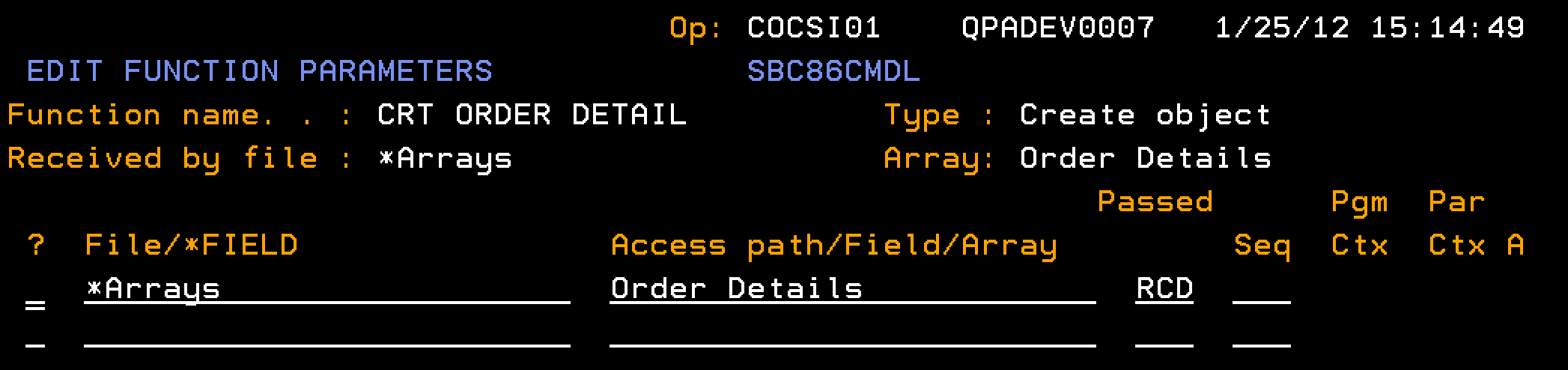
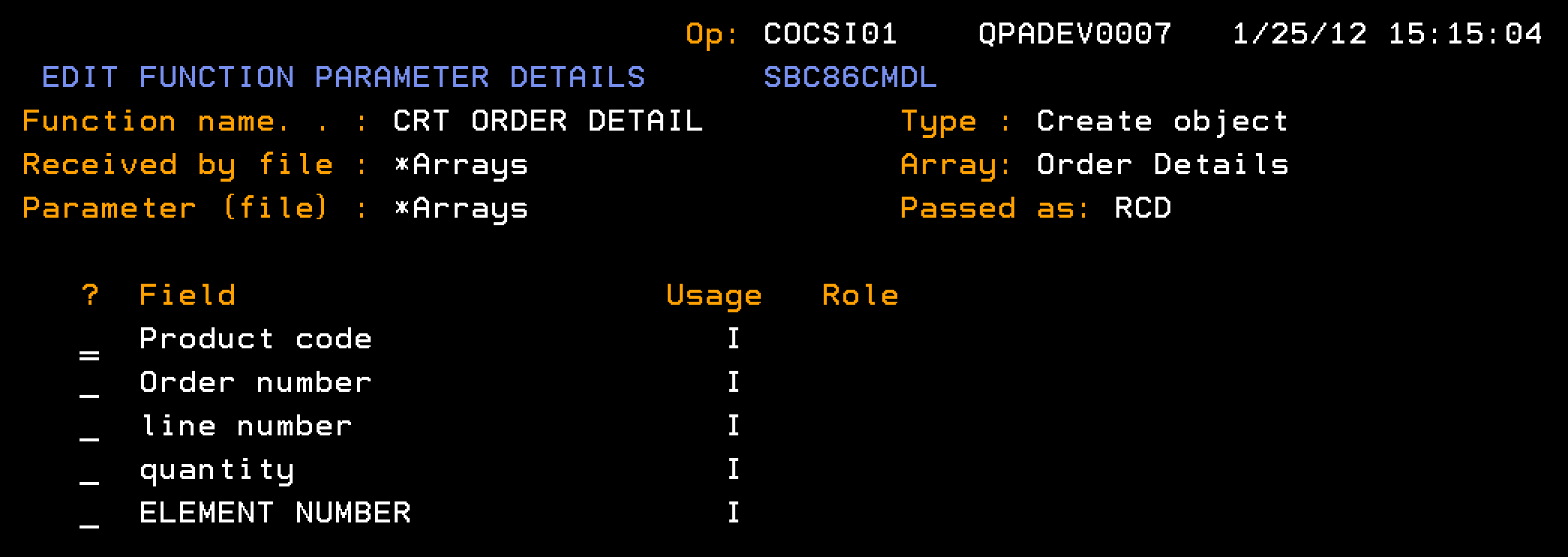
Note: The CRT ORDER DETAIL contains no user-added processing in the action diagram.
| Copyright © 2011 CA. All rights reserved. | Tell Technical Publications how we can improve this information |