

During the restore process, you have the option of where you want to restore the database to. The available selections are Restore User Database to the Original Location, Restore User Databases and System Databases to the Original Location, and Restore User Database to an Alternate Location.
This procedure explains how to restore Pervasive PSQL user databases and system databases to the original location.
Follow these steps:
Note: On Windows platforms, the Pervasive Control Center is installed by default when you install a database engine or a client.
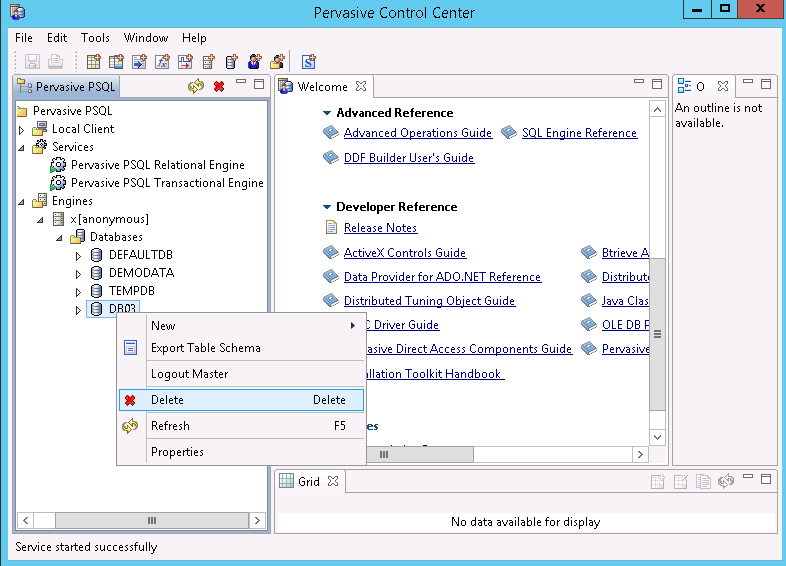
a. Right-click the database name.
b. From the pop-up menu, select Delete.
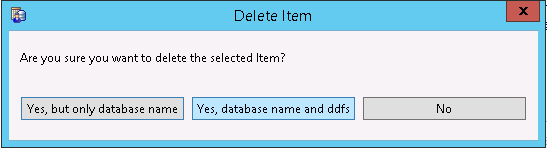
c. From the Delete Item dialog, select the option Yes, database name and ddfs.
This option ensures the database files are deleted.
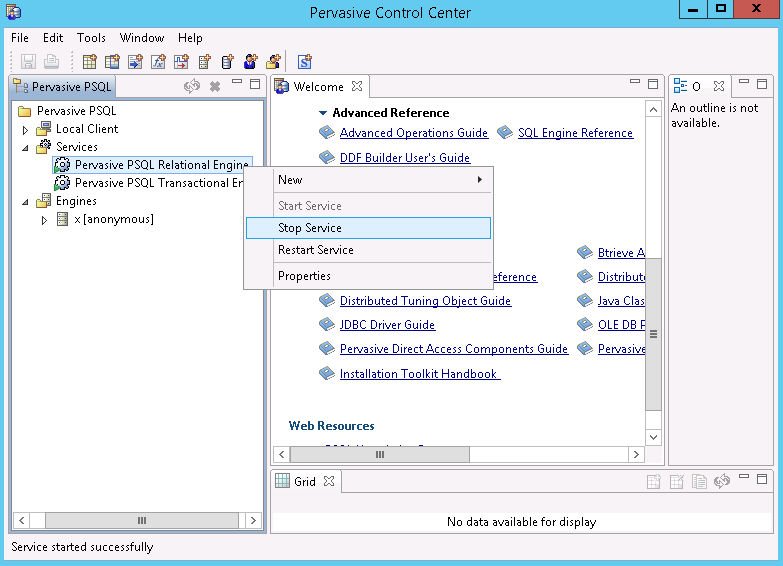
d. Repeat for each database that needs to be deleted.
By default the database files are located in "C:\ProgramData\Pervasive Software\PSQL\defaultdb" and "C:\ProgramData\Pervasive Software\PSQL\tempdb".
By default the log folder is located in "C:\ ProgramData\Pervasive Software\PSQL\Transaction Logs".
By default the folder path is "C:\ProgramData\Pervasive Software\PSQL".
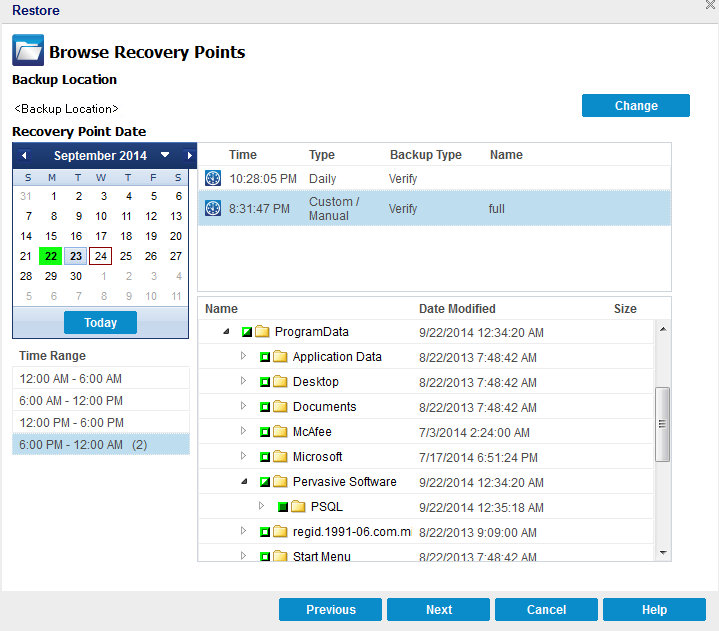
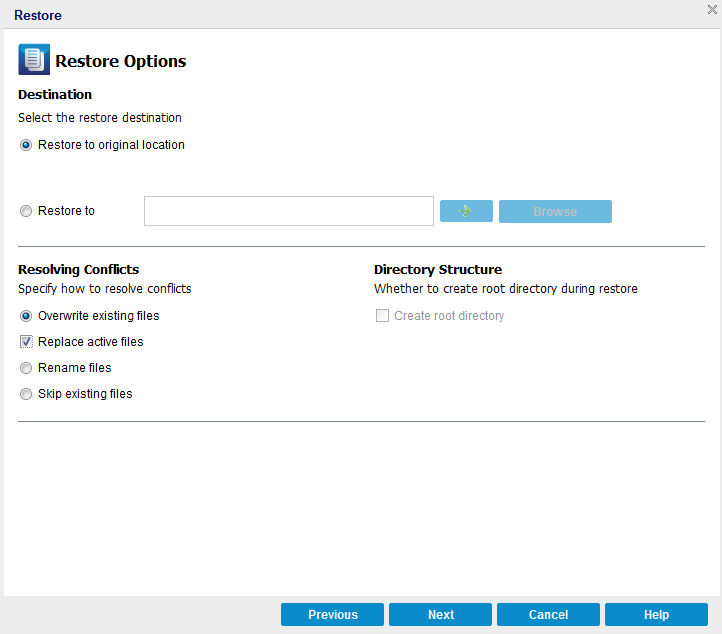
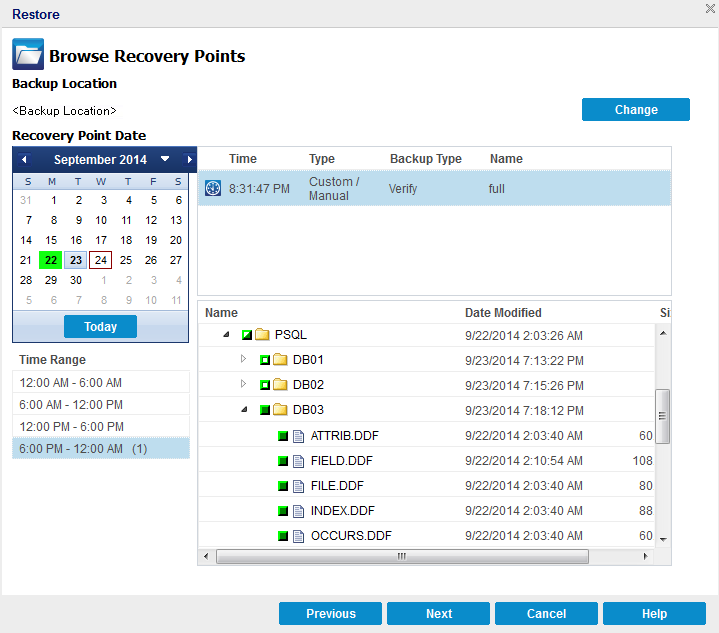
The user databases and system databases are restored to the original location.
|
Copyright © 2015 Arcserve.
All rights reserved.
|
|