

|
|
|
The installer starts with an Introduction dialog followed by a License Agreement dialog.
To accept the license agreement
The Introduction dialog opens:
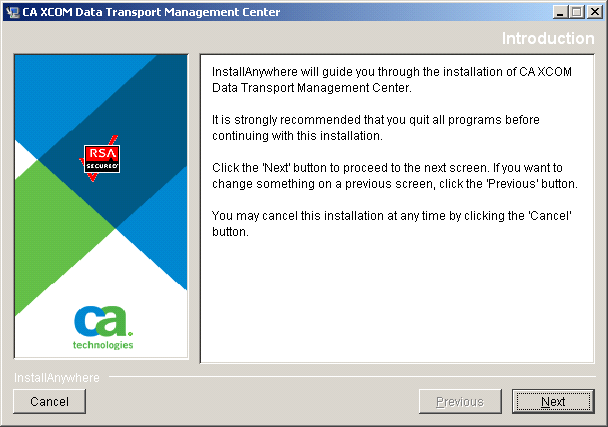
Before you proceed beyond this point, we recommend that you close down other programs running on your computer. Additionally, your JBoss server should have already stopped.
The License Agreement dialog opens:
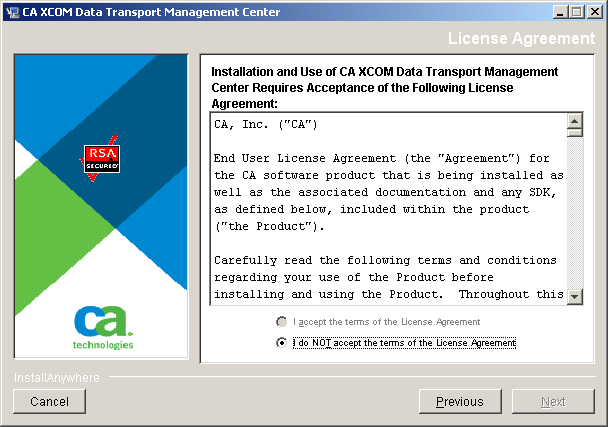
When you scroll to the end of the agreement, you can specify whether you want to accept the agreement.
The Choose Install Set dialog opens.
| Copyright © 2011 CA. All rights reserved. | Tell Technical Publications how we can improve this information |