

|
|
|
Before you invoke the installation process, review the specified installation options. If a specified option is not correct, you can correct the error before installation.
To review the specified installation options
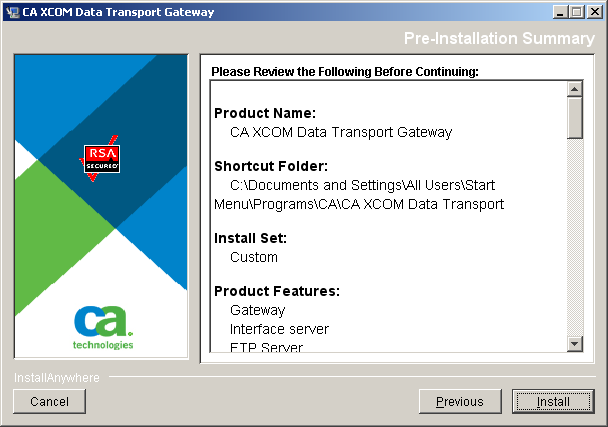
Note: For security reasons, specified passwords are not included.
If you want to change an option, use the Previous button to return to the corresponding dialog to modify the specified information.
The installation process starts.
When installation is complete, the Install Complete dialog opens:
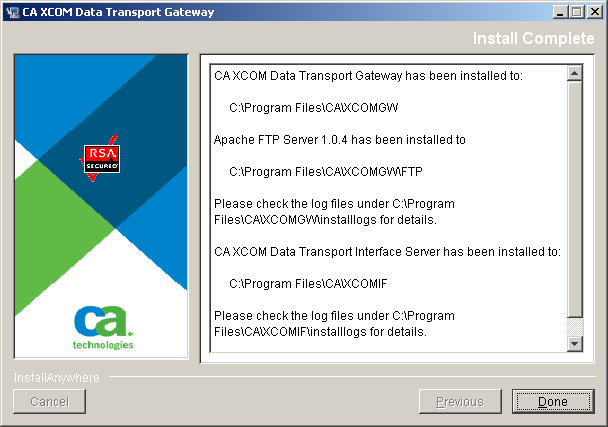
Note: Although the installer has initialized many parameters, several others need to be set manually after installation.
| Copyright © 2011 CA. All rights reserved. | Tell Technical Publications how we can improve this information |