

As a scheduler, you use virtual resources to place certain restrictions on job execution.
This scenario walks you through the process of creating a virtual resource and copying it to other machines.
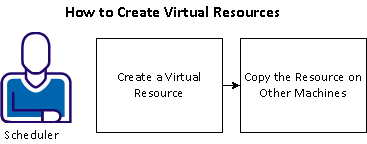
To create a virtual resource in a machine pool, follow these steps:
Example: Create a Virtual Resource to Control Tape Drive Access
Suppose you have several jobs that are dependent on the availability of a tape drive. However, you have limited tape drives available. You can create a renewable virtual resource named Tape on each machine in a machine pool and assign those virtual resources to jobs as dependencies. When a job completes, the resource is returned to the machine in the pool so that other jobs with similar requirements can use it. Because you want to have four machines with a tape drive as a virtual resource, you create a virtual resource with the amount of 1 on MachineA. After you create the virtual resource on MachineA, you can copy that virtual resource definition to MachineB, MachineC, and MachineD.
Note: Not all machines in a machine pool need to have resources defined. Jobs requiring the resource are only sent to machines with sufficient resources. Therefore, if MachineE is in the machine pool but does not have a resource assigned, the job is never sent to that machine.
|
Copyright © 2013 CA.
All rights reserved.
|
|