

You can use Reporting to produce high-level reports to understand the overall status of the job streams and applications operating in your functional areas.
The following scenario walks you through the process of creating, exporting, and printing a report.
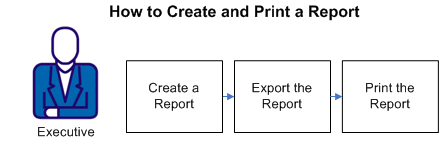
To provide job run and server statistical information in printed format, you can follow these steps:
Example: Provide Statistical Information for Monthly Management Meetings
As an executive, you review the following report information for all servers on a monthly basis:
This information is updated for the monthly management meetings and presented in a printed format. To provide the information, you create a Job Run Throughput report and a Job Run Status Failure/Total Job Run report. Next, export the output to Adobe PDF format, and then print the reports as needed.
|
Copyright © 2013 CA.
All rights reserved.
|
|